I once watched a client nearly nuke their domain reputation because of a “simple” sync error.
They were running Constant Contact alongside KVCore. A lead would unsubscribe in one system, but because the two didn’t talk via a two-way sync, the agent kept emailing them from the other platform. The result? Spam complaints skyrocketed, and their deliverability tanked. That is the reality of choosing the best email marketing software for real estate agents. It is not about “delivering seamless experiences.” It is about whether your software works while you are driving to a showing, and whether it stops you from accidentally spamming a lead who already said “no.”
I am writing this for the “Time-Poor Intermediate” agent. You aren’t a newbie using Gmail, but you don’t have a marketing department. You need tools that pull listings automatically, look expensive but cost little, and actually work with your CRM.
Here is the radically honest breakdown of the best email marketing software for real estate agents in 2026.
Quick Verdict (TL;DR)
If you are a solo agent drowning in admin, skip the “big names” and look at ActivePipe. It automates the one thing you hate: formatting listing emails. If you care more about your personal brand than selling specific houses, Flodesk is the clear aesthetic winner. If you are a large brokerage with a marketing department, HubSpot is the only serious choice for data attribution.
How We Rate Email Marketing Tools: Our Simple Promise
We don’t care about “AI writing assistants” or “dynamic headers” if the core functionality fails. Our review methodology for real estate focuses on three non-negotiables:
- The “Driveway Test”: Can I send a broadcast or check a lead’s status on my phone while sitting in a driveway?
- The CRM Handshake: Does it integrate with KVCore, LionDesk, or Follow Up Boss natively? If I need a complex Zapier string to make it work, it loses points.
- Listing Logic: Can I easily drag-and-drop a property listing into an email without downloading and re-uploading five different JPEGs?
1. ActivePipe – Best for Automated Listing Updates
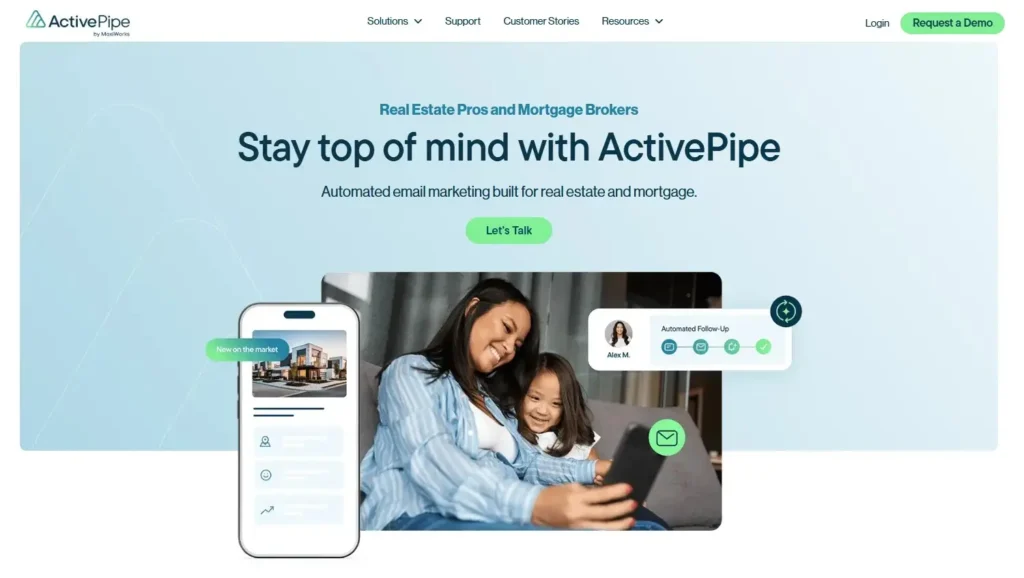
Quick Verdict: The only tool on this list that feels like it was built by a broker, for a broker. If you want listings to auto-populate without you lifting a finger, buy this.
Who Is It Really For?
Agents and teams who want “set it and forget it” property updates. If your strategy is “send new listings to active buyers” and you don’t want to manually curate a newsletter every Friday, this is the gold standard. It is also ideal for brokerages looking to enforce brand consistency across a team of 10+ agents.
The Killer Feature (That Actually Matters)
SmartMatch Listing Injection.
Most tools make you manually upload photos and copy-paste descriptions. ActivePipe connects directly to your MLS feed. You type the address or MLS ID, and it pulls the high-res photos, price, remarks, and beds/baths automatically. But it goes deeper: the “SmartMatch” algorithm tracks what price points your leads are clicking on and automatically adjusts future emails to show them similar properties. It essentially acts as a 24/7 showing assistant.
Pricing at a Glance (as of late 2025)
- Lite: Basic sends, limited automation. Good for solo agents just starting.
- Standard: Unlocks the “SmartMatch” feature and predictive data. This is the essential tier.
- Enterprise: For brokerages needing multi-user seats and admin oversight.
ActivePipe: Pros & Cons
|
Pros |
Cons |
|---|---|
|
Native MLS Integration: No manual entry needed; it speaks “Real Estate” natively. |
Pricing Opacity: Often requires a demo/quote; they don’t like showing prices publicly. |
|
Predictive Data: Scores leads based on interaction, telling you who is likely to sell soon. |
Not a Full Marketing Suite: Lacks advanced funnel logic for things like webinar signups or ebooks. |
|
Brokerage Friendly: Great for locking down fonts, colors, and disclaimers for compliance. |
Templates: Can feel a bit rigid if you are a creative who wants total design freedom. |
The Smartest Way to Get Started
Don’t buy individual seats if you can avoid it. Ask your brokerage if they have an enterprise deal—many major franchises (RE/MAX, KW, etc.) get massive discounts on ActivePipe that they don’t advertise well to their agents.
Final Verdict:
Buy if your primary content is property listings.
Who Should Avoid It?
Agents focusing purely on “lifestyle” newsletters or personal branding who don’t send many listing alerts.
2. ActiveCampaign – Best for “Power User” Automation
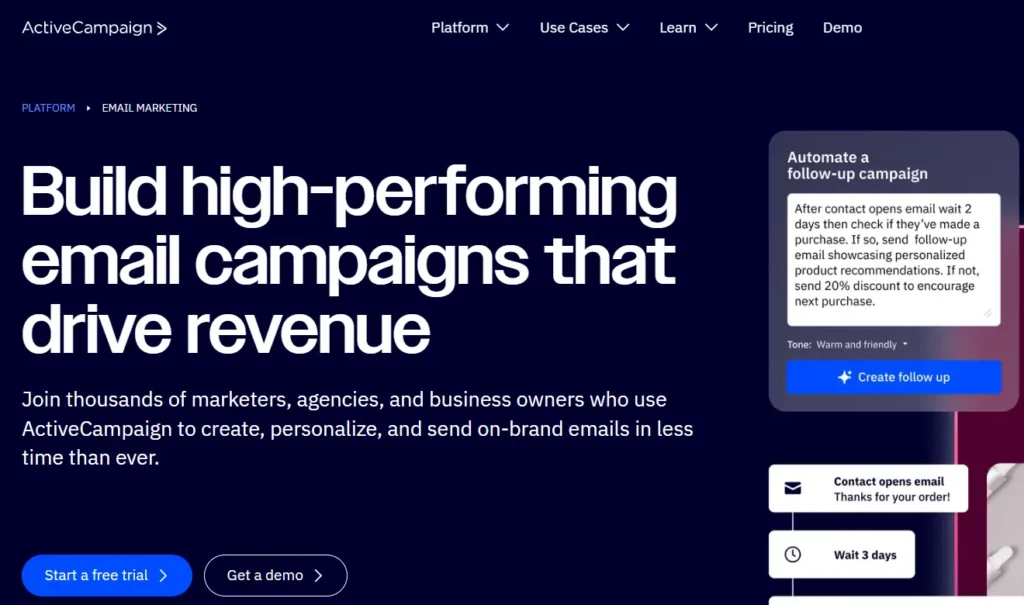
Quick Verdict: My daily driver. The automation capabilities are unmatched, but the learning curve is real. This is for the agent who wants to build a business, not just send an email.
Who Is It Really For?
The “Tech-Savvy” agent who wants to build complex journeys. For example: “If they click the Luxury Condo link, tag them as ‘High Net Worth,’ notify my assistant to call them, and change their future emails to only show condos.”
The Killer Feature (That Actually Matters)
The “Goal” Function in Automations.
You can set a goal like “Booked Appointment.” If a lead books an appointment via your scheduler (Calendly, etc.), ActiveCampaign automatically pulls them out of the nurturing sequence. This is critical. There is nothing worse than a client receiving a generic “Are you still looking to buy?” email five minutes after they just got off the phone with you. It saves you from looking unorganized.
Pricing at a Glance (as of late 2025)
- Starter: Affordable, but lacks the deep integrations.
- Plus: The sweet spot. Includes the CRM syncs and landing pages.
- Professional: Overkill for most solo agents.
ActiveCampaign: Pros & Cons
|
Pros |
Cons |
|---|---|
|
CRM Integration: Syncs with KVCore (via API Nation) and Follow Up Boss perfectly. |
Complexity: You will need a weekend to learn it. It is not “plug and play.” |
|
Tagging Logic: Granular tracking. You can tag leads based on exactly which link they clicked. |
Price Hikes: Gets expensive quickly as your list grows; they charge a premium for this power. |
|
Deliverability: Consistently lands in the Primary inbox, not the Promotions tab. |
Email Editor: Functional, but not as “pretty” or fluid as Flodesk. |
The Smartest Way to Get Started
Use the “Lite” plan initially but pay for the annual subscription to lock in the rate. Focus on setting up one “Open House Follow Up” automation first—don’t try to build a massive funnel on day one or you will get overwhelmed.
Final Verdict:
Buy if you want a machine that nurtures leads while you sleep.
Who Should Avoid It?
Agents who just want to send a simple monthly PDF newsletter. It’s too complex for that.
3. Flodesk – Best for Aesthetics & Design
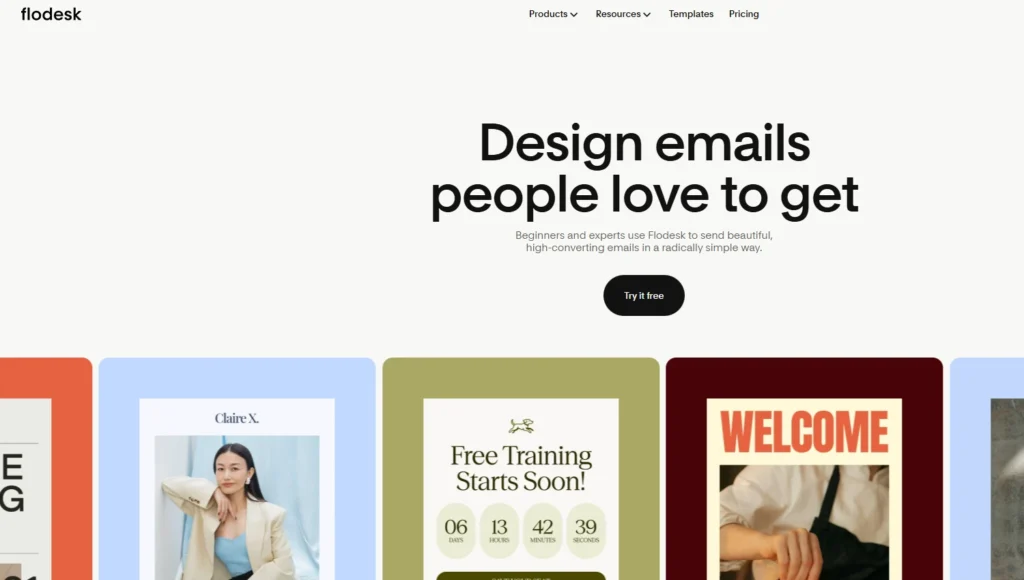
Quick Verdict: The prettiest emails in the game. If you are an “Instagram Agent” building a personal brand, this is your tool. It turns emails into a lifestyle magazine.
Who Is It Really For?
Agents who sell lifestyle and luxury. If you care deeply about fonts, negative space, and high-res imagery, and you want your newsletter to look like an editorial piece from Architectural Digest.
The Killer Feature (That Actually Matters)
The Flat Rate Pricing.
Unlike Mailchimp or ActiveCampaign, Flodesk doesn’t punish you for success. You pay one flat fee regardless of whether you have 500 or 50,000 subscribers. This is a massive psychological relief for agents who are scared to grow their list because of rising costs.
Pricing at a Glance (as of late 2025)
- Flat Rate: Roughly $35-$38/month for unlimited everything. No tiers, no hidden caps.
Flodesk: Pros & Cons
|
Pros |
Cons |
|---|---|
|
Design: Look like a magazine editor without coding. The templates are stunning. |
Weak Analytics: Reporting is very basic. You won’t get heat maps or deep geo-data. |
|
Cost: Best value for large lists. You never have to worry about “cleaning” your list to save money. |
Integration: Reliance on Zapier for CRM syncs (No native KVCore). You have to build the bridge yourself. |
|
Mobile: The emails look arguably better on mobile than desktop. |
Automation: Very linear. You can’t do complex “if/then” splits easily. |
The Smartest Way to Get Started
Since Flodesk lacks native CRM syncs, use it only for your “Sphere of Influence” newsletter—the people you know won’t mark you as spam. Keep your cold leads in your main CRM. Use Flodesk for the warm, fuzzy updates.
Final Verdict:
Buy for your monthly newsletter; keep your cold nurturing elsewhere.
Who Should Avoid It?
Data nerds who need to track every single click-map and heat-map to optimize conversions.
4. MailerLite – Best for Budget-Conscious Agents
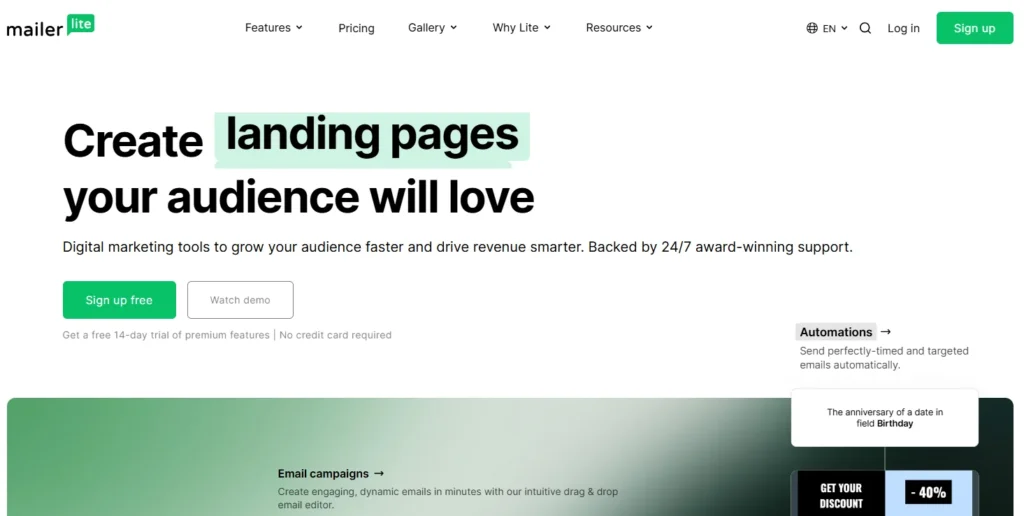
Quick Verdict: The best “free forever” plan that doesn’t feel cheap. It punches way above its weight class.
Who Is It Really For?
Newer agents or solo operators who need a professional look but aren’t ready to spend $50/month yet. It’s also great for agents who are somewhat tech-savvy but appreciate a clean, minimalist interface.
The Killer Feature (That Actually Matters)
Real Estate Landing Pages.
MailerLite has surprisingly good landing page templates specifically for real estate. You can spin up a “123 Main Street” single-property website in about 10 minutes to capture leads. These pages allow you to offer a “Free Home Valuation” or a specific “Listing PDF” in exchange for an email address, which then drops straight into your list.
Pricing at a Glance (as of late 2025)
- Free: Up to 1,000 subscribers (Generous features, including automation).
- Growing Business: Adds unlimited templates and auto-resend features for unopeners.
MailerLite: Pros & Cons
|
Pros |
Cons |
|---|---|
|
Affordable: Hard to beat the value. The features-to-cost ratio is the best in the industry. |
Strict Approval: They are aggressive about banning affiliate marketers; keep your content clean. |
|
Editor: Clean, fast, and simple. It’s a drag-and-drop editor that actually works. |
Automation: Basic compared to ActiveCampaign. You can do simple sequences, but not complex logic. |
|
Support: 24/7 email support even on the lower tiers. |
Templates: A bit generic out of the box; requires some customization to look “luxury.” |
The Smartest Way to Get Started
Start with the Free plan. Verify your domain immediately (authenticate your sending domain) to ensure you don’t land in the Promo tab. Create a simple “Welcome” automation for anyone who signs up via your Open House sign-in sheet.
Final Verdict:
Buy if you are watching your expenses but refuse to use Gmail.
Who Should Avoid It?
Power users who need deep two-way syncing with Salesforce or specialized RE CRMs like Sierra Interactive.
5. Brevo (formerly Sendinblue) – Best for “Cold” Lists
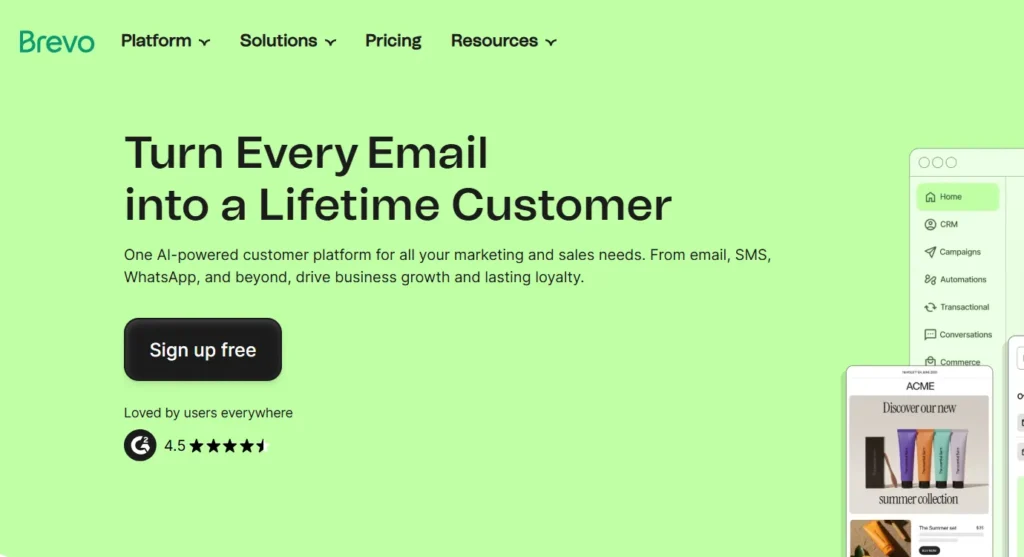
Quick Verdict: The specific choice for agents sitting on a massive database of 10,000+ old leads they rarely email.
Who Is It Really For?
Agents with a huge “dead lead” database. Most tools charge you for storing contacts, meaning you pay for leads even if you don’t email them. Brevo charges you for sending emails. If you have a list of 10,000 people but only email them twice a year, this is the only logical choice.
The Killer Feature (That Actually Matters)
Unlimited Contact Storage.
You can upload 20,000 old leads from 2018 and it costs you $0 to store them. You only pay when you actually decide to send a “Market Update” blast. This allows you to keep your database intact without bleeding monthly fees.
Pricing at a Glance (as of late 2025)
- Free: 300 emails/day limit (Good for testing small batches).
- Starter: Pay based on email volume (e.g., 20k emails/month), not list size.
Brevo: Pros & Cons
|
Pros |
Cons |
|---|---|
|
Storage: Store unlimited leads for free. A massive cost saver for hoarders. |
Daily Limits: The free plan’s 300/day cap is annoying for blasts. |
|
SMS: Built-in SMS marketing features. You can send text blasts alongside emails. |
Editor: Can feel a bit clunky and industrial compared to Flodesk. |
|
Transactional Email: Excellent for setting up system alerts or notifications. |
Support: Can be slow on the lower tiers. |
The Smartest Way to Get Started
Use Brevo as your “Re-engagement” engine. Export your old/cold leads from your CRM, dump them here, and send a quarterly market update. If they bite (click or reply), move them back to your main CRM (ActiveCampaign or LionDesk) for active nurturing.
Final Verdict:
Buy for your cold lead stash.
Who Should Avoid It?
Agents sending daily emails to a massive list (it gets pricey on volume).
6. GetResponse – Best for Webinars & Funnels
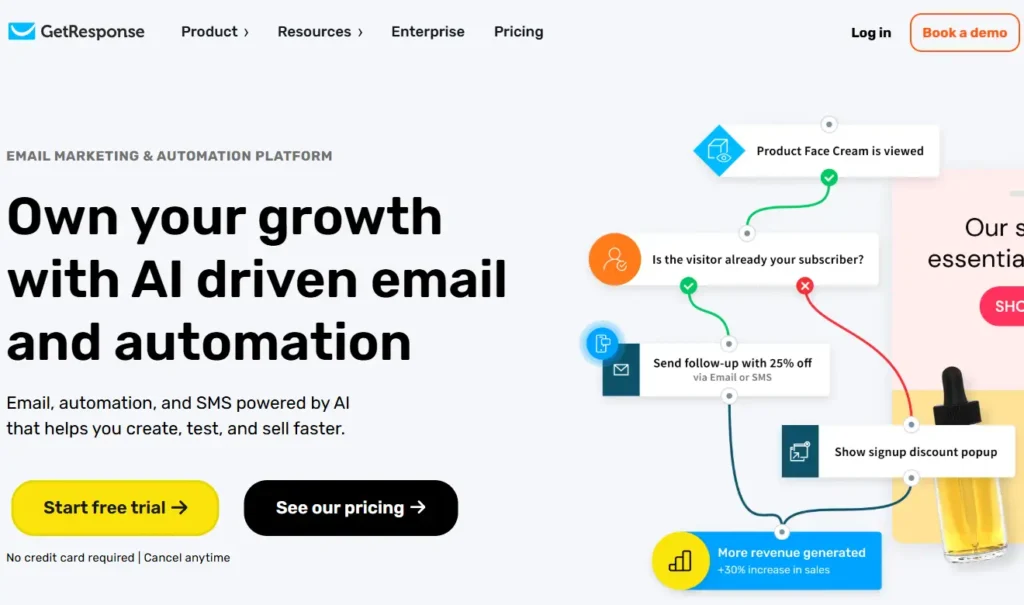
Quick Verdict: If you are the agent hosting “First Time Homebuyer” seminars or “Investor Workshops,” this is your toolkit.
Who Is It Really For?
Agents who use content marketing and webinars to generate leads rather than just door knocking or cold calling. If you are selling knowledge (how to buy, how to invest) to attract clients, GetResponse replaces three different tools.
The Killer Feature (That Actually Matters)
Integrated Webinars.
You can host a webinar, collect signups, send reminders, and follow up with the replay—all inside GetResponse. No need to pay for Zoom Pro + an email tool + a landing page builder separately. It tracks who attended, who left early, and who didn’t show up, allowing you to send different follow-up emails to each group.
Pricing at a Glance (as of late 2025)
- Email Marketing: Basic autoresponders and newsletters.
- Marketing Automation: Unlocks the webinar and funnel features (The one you want).
GetResponse: Pros & Cons
|
Pros |
Cons |
|---|---|
|
All-in-One: Funnels, webinars, and email combined. Simplifies your tech stack. |
Dated UI: The interface feels a bit 2015; it’s functional but not “slick.” |
|
Conversion Focus: Great templates for getting leads to sign up and convert. |
Price: Features are locked behind higher tiers; the base plan is too basic. |
|
Paid Newsletters: You can actually monetize your newsletter if you wanted to. |
Learning Curve: The funnel builder takes some getting used to. |
The Smartest Way to Get Started
Create a “Lead Magnet” funnel (e.g., “The 2026 Sellers Guide”). Use their pre-built funnel templates to save time on design. Drive Facebook ad traffic directly to this funnel rather than your generic homepage.
Final Verdict:
Buy if you do virtual events.
Who Should Avoid It?
Agents who just want to send a newsletter. It is overkill.
7. Kit (formerly ConvertKit) – Best for The “Influencer” Agent
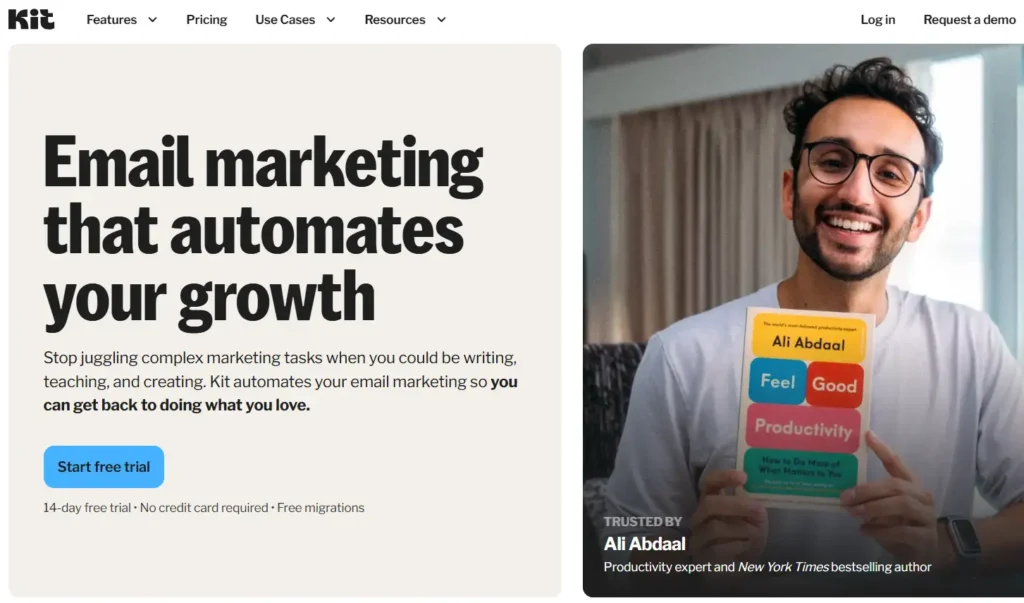
Quick Verdict: The best tool for text-heavy, personal storytelling that builds high trust. It puts the words front and center.
Who Is It Really For?
The agent who writes. If your newsletter is “My thoughts on the local school district” or “Why I think the market is shifting” rather than just “Just Listed” flyers, Kit is superior. It strips away the distractions and makes your email feel like a personal letter from a friend.
The Killer Feature (That Actually Matters)
The Creator Network.
This is unique. You can actually get other local creators (maybe a local bakery, an interior designer, or a mortgage broker) to recommend your newsletter when people sign up for theirs. It’s a growth hack for your list that no other tool offers. It turns email marketing into a team sport.
Pricing at a Glance (as of late 2025)
- Free: Up to 10k subscribers (but limited features/automations).
- Creator: Unlocks automations and sequences. Necessary for serious agents.
Kit: Pros & Cons
|
Pros |
Cons |
|---|---|
|
Deliverability: Top-tier placement in the Primary Inbox because code is light. |
Visuals: Not great for image-heavy listings. It’s hard to make a “grid” of homes. |
|
Simplicity: No distraction writing experience. Just write and send. |
Real Estate features: Zero native MLS tools. You have to paste everything manually. |
|
Tags: Flexible tagging system similar to ActiveCampaign but easier to use. |
Price: The Creator plan isn’t cheap compared to MailerLite. |
The Smartest Way to Get Started
Focus on the “Welcome Sequence.” Write a 5-day email series explaining exactly how the buying process works in your city. Keep it text-only. The goal is to establish your authority, not to sell a house immediately.
Final Verdict:
Buy if you want to build a personal brand and community.
Who Should Avoid It?
Agents who want to send image-heavy “Just Listed” blasts. Kit is for reading, not window shopping.
8. Constant Contact – The “Proceed with Caution” Pick
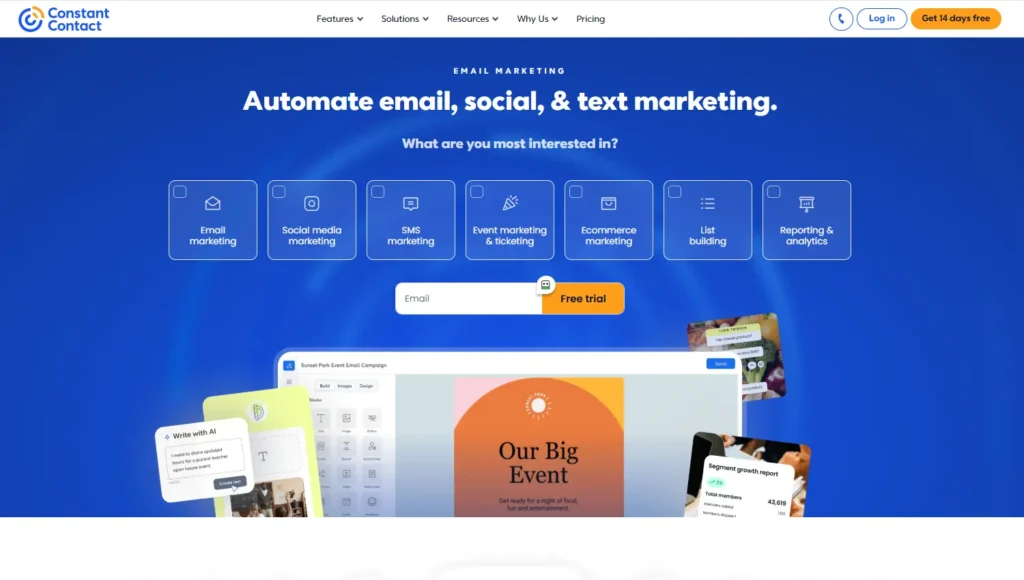
Quick Verdict: Accessible and popular, but dangerous if you rely on two-way syncing with modern Real Estate CRMs.
Who Is It Really For?
The agent who wants phone support and very simple templates, and who does not use a complex CRM like KVCore. It is for the “High Touch, Low Tech” agent who values being able to call a support line and have a human explain how to upload a CSV file.
The Killer Feature (That Actually Matters)
Event Management.
This is where Constant Contact shines. It is excellent for managing RSVPs for client appreciation parties, shredding events, or open houses. You can create an invite, track “Yes/No” replies, and send reminders specifically to the attendees, all within the platform.
Pricing at a Glance (as of late 2025)
- Lite: Very basic sending capabilities.
- Standard: Includes the necessary automation and segmentation.
Constant Contact: Pros & Cons
|
Pros |
Cons |
|---|---|
|
Support: You can actually call them on the phone. This is rare in SaaS. |
The Sync Issue: Notorious for poor two-way syncing with some RE CRMs (The “Horror Story”). |
|
Ease of Use: Very gentle learning curve. It feels familiar, like Microsoft Word. |
Price: Higher than MailerLite for similar features. You pay a “brand tax.” |
|
Social Posting: Includes decent tools to post your emails to social media. |
Cancellation: Can be difficult to cancel (often requires a phone call). |
The Smartest Way to Get Started
If you use this, manually export your unsubscribes once a week and upload them to your CRM. Do not trust the auto-sync blindly. Use the “Events” feature to host a Client Appreciation Day and track your RSVPs.
Final Verdict:
Pass if you use KVCore (the sync risk is too high). Buy if you just need a standalone tool for newsletters and value phone support.
Who Should Avoid It?
Tech-heavy teams using Salesforce or KVCore.
Demystifying Costs: What You Actually Get at Each Price Point
Pricing in this industry is designed to confuse you. Here is the translation:
- The “Free” Tier ($0): Usually creates a “brand ceiling.” You will have their logo in your footer, and your deliverability might be lower. Good for your first 6 months.
- The “Starter” Tier ($15-$30/mo): Removes branding. You get basic “drip” campaigns (Day 1 email, Day 3 email). This is where 80% of solo agents should live.
- The “Pro” Tier ($50-$100/mo): You are paying for Logic. “If they click X, send Y.” If you aren’t building complex logic trees, do not pay for this tier.
- The “Contacts” Trap: Most tools charge by contact count. Warning: Mailchimp and some others often count unsubscribed contacts toward your billable total. Scrub your list quarterly to stop bleeding money.
Your Action Plan: 5 Steps to a Successful Email Launch
- Export & Clean: Export your contacts from your phone, Gmail, and CRM. Run them through a cleaner (like NeverBounce) to remove dead emails. This protects your reputation.
- The “Re-Introduction” Email: Do not just start blasting listings. Send a plain-text email: “Hi [Name], I’m moving my updates to a new system to share better market data. If you’d prefer not to receive these, just click unsubscribe below—no hard feelings.” This builds massive trust.
- Set Up the “Golden Trio”: Build three automations:
- New Lead Welcome (Immediate delivery)
- Open House Follow-Up (Timed for Monday morning)
- Past Client Check-in (Quarterly)
- Integrate or Die: Connect the tool to your CRM. If it requires a 5-step Zapier zap, test it three times. If it fails, switch tools.
- The Sunday Rule: Schedule your newsletter for Sunday evenings or Tuesday mornings—the highest open rate windows for real estate.
What to do next
Go to your current CRM (LionDesk, KVCore, etc.) and look at the “Integrations” page. Only choose an email tool that is listed there as a “Native” or “Direct” partner. If you have to hack it together, it will break when you need it most.
FAQ
1. Why do you hate Mailchimp for real estate?
I don’t “hate” it, but their pricing model is hostile to agents. They historically charge for contacts even if they are unsubscribed (unless you archive them), and their direct integration with tools like KVCore is often clunky compared to ActiveCampaign or ActivePipe.
2. Can’t I just use my CRM’s built-in email?
You can, and for “transactional” emails (appointment confirmations), you should. But CRM email editors are usually terrible for visual newsletters, and their deliverability rates (landing in the Inbox vs. Spam) are often lower than dedicated tools like Kit or ActiveCampaign.
3. What is the best day to send real estate emails?
Data suggests Tuesday at 10 AM (for market updates) or Sunday at 7 PM (for “week ahead” listing roundups). Avoid Mondays—people are too busy clearing their work inbox.
4. How do I stop ending up in the “Promotions” tab?
Authenticate your domain (DKIM/SPF records). Ask your subscribers in the first email to “Reply ‘Hi’ to this email.” When a user replies, Google marks you as a “Friend,” not a “Brand.”