Finding the Best B2B CRM is a high-stakes decision that directly dictates your revenue floor. A few years ago, my team at Leadoom Digital took over a project for a scaling client who insisted on using Salesforce because of the “industry standard” hype. It was an absolute nightmare that drained their onboarding budget before a single campaign even launched.
We spent over a month just mapping custom fields and trying to force basic reporting to match their actual sales cycle. Contrast that with a recent win where we migrated a fragmented SaaS client into ActiveCampaign. Their automation builder allowed us to set up behavior-triggered email sequences that immediately boosted Q2 demo bookings and cut manual follow-up time by 40%.
Enterprise tools frequently suffocate mid-sized agility. You need a system that works for your actual sales cycle, not a bloated database that forces you to adapt to its rigid rules. If you are a scaling agency owner managing 10+ clients, B2B Sales Manager or a mid-market B2B SaaS founder, this guide strips away the marketing speak to reveal the exact B2B sales CRM actually worth your budget.
The B2B CRM Shortlist for 2026: At a Glance
|
CRM Platform |
Best For (The Core Persona) |
Starting Price (Est. 2026) |
The Bottom Line |
|---|---|---|---|
|
1. HubSpot |
Scaling Inbound Teams |
$15/user/month |
Unmatched reporting and UI, but the massive price jump to the Professional tier will shock your budget. |
|
Granular Automation |
$15/month |
An automation powerhouse masquerading as an email tool; perfect for mapping behavior directly to sales pipelines. |
|
|
3. Pipedrive |
Pure Sales Teams |
$14/user/month |
Strips away marketing bloat to give outbound reps a hyper-visual, fast, and focused deal-closing machine. |
|
4. GoHighLevel |
White-Labeling & Agencies |
$97/month |
Replaces 10 different subscriptions and lets you resell the software to clients. Watch out for hidden usage fees. |
|
5. Zoho CRM |
Customization on a Budget |
$14/user/month |
Gives you 90% of enterprise-level power for cheap, but you will likely need to hire a developer to set it up. |
|
6. Close CRM |
High-Volume Calling Teams |
$19/month |
Lightning-fast communication hub with a built-in power dialer designed strictly for aggressive outbound SDRs. |
|
7. Keap |
Service-Based Sales |
$199/month |
Flawless automated billing and booking flows, but punishes your wallet severely as your contact list grows. |
|
8. Salesforce |
Massive Enterprise Operations |
$25/user/month |
Limitless logical potential, but it will absolutely crush your team’s agility if you lack a dedicated admin. |
|
9. Monday CRM |
Project-Led Sales |
$12/user/month |
Flawlessly hands off closed-won deals directly to fulfillment and project boards without manual data entry. |
|
10. Freshsales |
Built-In AI Lead Scoring |
Free or $15/user/month |
AI automatically tells your high-volume reps exactly who to call next, stopping them from wasting time on bad leads. |
|
11. Copper |
Google Workspace Power Users |
$29/user/month |
Scrapes Gmail signatures to kill manual data entry entirely, but it is totally blind outside the Google ecosystem. |
|
12. Zendesk Sell |
Customer Support Alignment |
$19/user/month |
Gives reps immediate context on angry support tickets before they blindly pitch a renewal or upsell. |
|
13. Capsule |
Ultra-Lean Teams |
Free or $18/user/month |
The absolute anti-bloat CRM for bootstrapped founders who just need to graduate from an Excel spreadsheet. |
|
14. Nimble |
LinkedIn Social Selling |
$24.90/user/month |
A browser extension weapon that turns manual LinkedIn prospect copying into a three-second, one-click import. |
The table above gives you the fast facts, but you cannot make a five-figure software decision based on a quick summary. Vendors are incredibly good at hiding their worst bottlenecks and steepest price hikes behind slick landing pages.
Below, I tear down the sales pitch for each of these 14 platforms. I will show you the exact feature that makes them worth your budget, the hidden fees that will destroy your margins, and exactly who should run the other way. Here is our radically honest breakdown of the top contenders.
1. HubSpot – Best B2B CRM for Scaling Inbound Teams
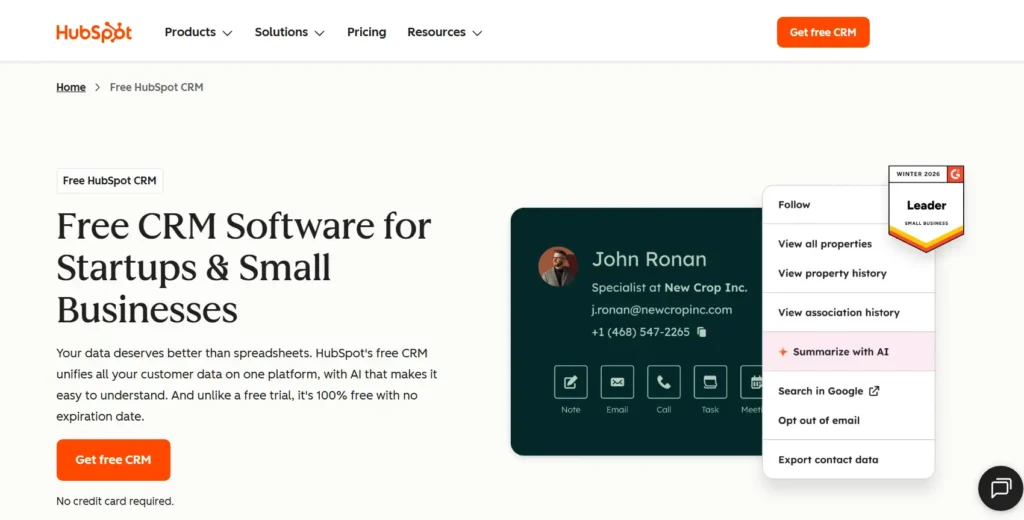
HubSpot is the undisputed heavyweight champion of inbound marketing and sales alignment. It offers a flawless user experience and deep reporting, but the pricing scales aggressively as your team grows.
Who Is It Really For?
Mid-market SaaS companies and scaling agencies that rely heavily on inbound content, webinars, and SEO to generate leads. It is built for teams that need marketing, sales, and customer service living inside one unified database.
The Killer Feature (That Actually Matters)
The “Custom Report Builder” is a lifesaver for revenue attribution. In my experience, showing a client exactly which blog post or email sequence generated a $50,000 closed-won deal is the fastest way to prove ROI. The reporting gives you a clear, undeniable line of sight from first touchpoint to final invoice. However, this level of reporting is locked behind the Professional tier, meaning you have to pay a premium to access the data that actually moves the needle.
Pricing at a Glance (as of 2026)
- Free / Starter: $15 per user/month. Great for testing the waters, but severely limited in automation.
- Professional: ~$1,600/month base (includes up to 3 marketing/sales seats) + $100/month per extra user. You are forced into mandatory onboarding fees starting at $1,500.
- Enterprise: ~$3,600/month base. Built for massive teams with complex custom object needs.
Does HubSpot fit for you? Try HubSpot now.
HubSpot: Pros & Cons
|
Pros |
Cons |
|---|---|
|
Unmatched user interface and ease of use. |
The jump from Starter to Professional pricing is brutal. |
|
Deep, native connections between marketing and sales hubs. |
Mandatory onboarding fees on premium tiers. |
|
Excellent granular revenue attribution reporting. |
A/B testing and advanced automation require expensive upgrades. |
The Smartest Way to Get Started
Start your sales team on the free CRM to build the habit of logging deals and communication. Do not upgrade to Professional until your inbound lead volume is high enough that manual follow-up is physically impossible.
Final Verdict
Buy it if you have the budget and your growth relies on inbound marketing. It is the best B2B CRM for creating a frictionless handoff between your marketing and sales departments.
Who Should Avoid It?
Bootstrapped founders or outbound-heavy sales teams. If you just need a simple pipeline to track cold calls, do not pay HubSpot’s premium.
2. ActiveCampaign – Best B2B CRM for Granular Automation
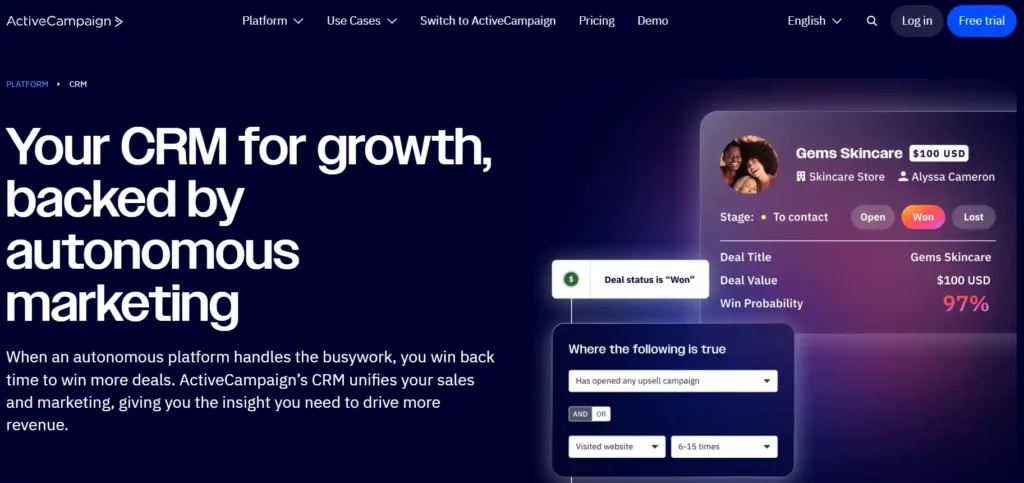
ActiveCampaign is an automation powerhouse masquerading as an email marketing tool. It connects deep marketing triggers directly to your sales pipeline, making it the perfect system for technical marketers.
Who Is It Really For?
Growth-focused agencies and SaaS founders who want to build complex, behavior-triggered follow-up sequences. If your sales strategy relies on knowing exactly when a prospect opened an email or visited a specific web page, this is your tool.
The Killer Feature (That Actually Matters)
The “Automation Recipe Builder” is unmatched in this price bracket. I have used it to build branching logic that tags users based on what link they clicked, waits two days, checks if they visited the pricing page, and then alerts a sales rep on Slack. The flexibility is incredible, but the visual builder can become incredibly messy and hard to read if you stack too many conditions into a single workflow.
Pricing at a Glance (as of 2026)
- Starter: $15/month (for 1,000 contacts). Basic email tracking, but missing the CRM features.
- Plus: ~$49/month (for 1,000 contacts). Adds landing pages and basic pipeline management.
- Pro: ~$79/month (for 1,000 contacts). Unlocks advanced attribution and priority support.
- Note: Costs scale rapidly as your contact list grows; 10,000 contacts on Pro will cost you nearly $240/month.
Does ActiveCampaign fit for you? Try ActiveCampaign now.
ActiveCampaign: Pros & Cons
|
Pros |
Cons |
|---|---|
|
The most powerful visual automation builder available. |
The interface feels clunky and outdated compared to newer tools. |
|
Tight integration between email behavior and CRM deal stages. |
The CRM pipeline view is basic and lacks advanced sales forecasting. |
|
Excellent delivery rates for automated marketing campaigns. |
Steep learning curve for new team members. |
The Smartest Way to Get Started
Map out your customer journey on a whiteboard before you touch the software. Build one core “Welcome to Demo” sequence perfectly before you try to automate your entire business.
Final Verdict
Buy it if your marketing and sales teams operate as a single unit and you need high-level behavioral tracking. It holds its ground as the best B2B CRM for automation-obsessed marketers.
Who Should Avoid It?
Pure sales organizations that do not do email marketing. If you just need a visual sales pipeline, the complex automation features will just get in your way.
3. Pipedrive – Best B2B CRM for Pure Sales Teams
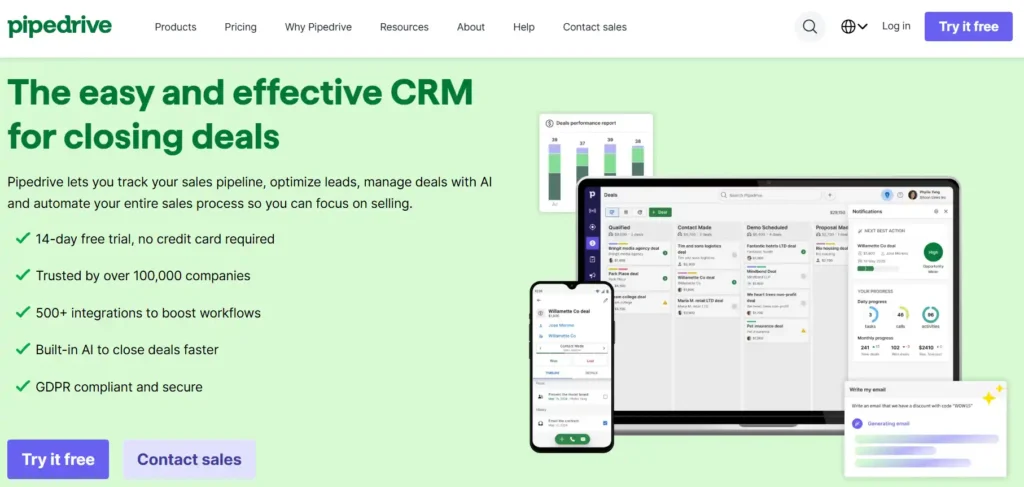
Pipedrive strips away the marketing bloat to focus entirely on closing deals. It is a hyper-visual, fast, and highly focused sales pipeline management tool.
Who Is It Really For?
Agencies and B2B SaaS teams running high-volume outbound sales motions. It is designed specifically for Account Executives and SDRs who spend their entire day moving deals from left to right.
The Killer Feature (That Actually Matters)
The “Activity-Based Selling” dashboard forces reps to focus on the next actionable step. In my agency days, Pipedrive saved our pipeline because it visually flags deals that sit too long without a scheduled call or email. It removes the guesswork from a rep’s day, but the reporting is too basic for managers who need deep insights into lead source attribution.
Pricing at a Glance (as of 2026)
- Lite: $14 per user/month. Pure deal tracking with no automation.
- Growth: $39 per user/month. Adds crucial workflow automation and full email sync.
- Premium: $49 per user/month. Bundles extra lead routing and document management.
- Add-ons: Beware of the extra costs; Web Visitors tracking is an extra $41/month, and LeadBooster is $32.50/month.
Does Pipedrive fit for you? Try Pipedrive now.
Pipedrive: Pros & Cons
|
Pros |
Cons |
|---|---|
|
Zero learning curve; reps can start selling in 10 minutes. |
Marketing features are virtually non-existent. |
|
The visual pipeline is incredibly satisfying and easy to read. |
Crucial features (like lead generation forms) cost extra as add-ons. |
|
Activity reminders keep your sales cycle moving forward. |
Automation logic is rigid compared to ActiveCampaign. |
The Smartest Way to Get Started
Skip the Lite plan. Start directly on the Growth tier ($39/user) so you have access to two-way email sync and basic workflow automation to save your reps from manual data entry.
Final Verdict
Buy it if your only goal is to track conversations, manage follow-ups, and close deals faster. It is the best B2B CRM for keeping a sales team focused purely on revenue.
Who Should Avoid It?
Companies looking for an “all-in-one” platform. If you want native landing pages, advanced marketing drips, and customer support ticketing, Pipedrive will disappoint you.
4. GoHighLevel – Best B2B CRM for White-Labeling & Agencies
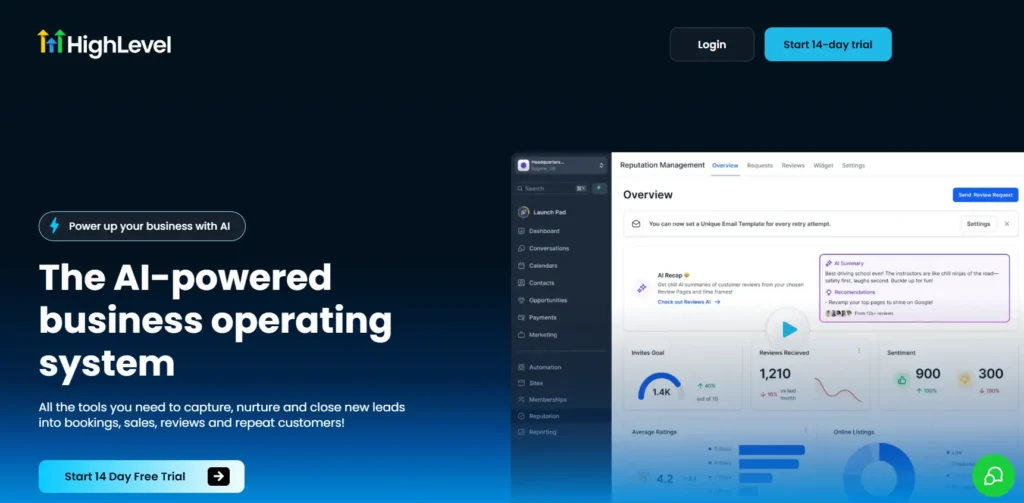
GoHighLevel is an absolute beast for marketing agencies looking to replace ten different software subscriptions. It offers a massive suite of tools you can rebrand as your own, but the hidden usage fees for emails and texts will eat into your margins if you are not careful.
Who Is It Really For?
Marketing agency owners managing multiple client accounts, and founders who want to build an additional revenue stream by reselling software. If you run lead generation campaigns for local B2B service providers or medical clinics, this is where you build your empire.
The Killer Feature (That Actually Matters)
“SaaS Mode” is why most agencies flock to this platform. You can take the entire CRM, slap your own logo on it, connect your Stripe account, and charge your clients a monthly fee to access the software. We have seen agencies cover their entire software bill with just two paying clients. The brutal limitation is that the interface can feel incredibly overwhelming for a non-technical client, meaning your team will spend hours acting as tech support.
Pricing at a Glance (as of 2026)
- Starter: $97/month. Good for a single business. Includes 3 sub-accounts.
- Unlimited: $297/month. The best tier for agencies. You get unlimited client accounts.
- Agency Pro (SaaS Mode): $497/month. This unlocks the ability to automatically bill clients and fully rebrand the mobile app.
- The Catch: You pay micro-transaction fees for every text message, email, and AI generation credit used by you and your clients.
Does GoHighLevel fit for you? Try GoHighLevel now.
GoHighLevel: Pros & Cons
| Pros | Cons |
| Replaces almost every marketing tool a B2B company needs. | The learning curve is brutal for beginners. |
| Unlimited client sub-accounts at the $297 tier. | Hidden usage fees for basic functions like email sending. |
| The ability to resell the software creates instant recurring revenue. | The UI feels less polished than premium competitors. |
The Smartest Way to Get Started
Do not immediately buy the $497 SaaS tier. Buy the $97 Starter plan, build a complete lead generation funnel for your own agency, and master the workflow builder. Only upgrade when you secure a client who needs their own dedicated workspace.
Final Verdict
Buy it if you run a marketing agency and want full control over your clients’ lead management process. It is the best B2B CRM for consolidating your tool stack.
Who Should Avoid It?
Traditional mid-market B2B software companies with dedicated enterprise sales teams. If you just need a straightforward pipeline to close six-figure deals, the funnel-building tools will distract your team.
5. Zoho CRM – Best B2B CRM for Customization on a Budget
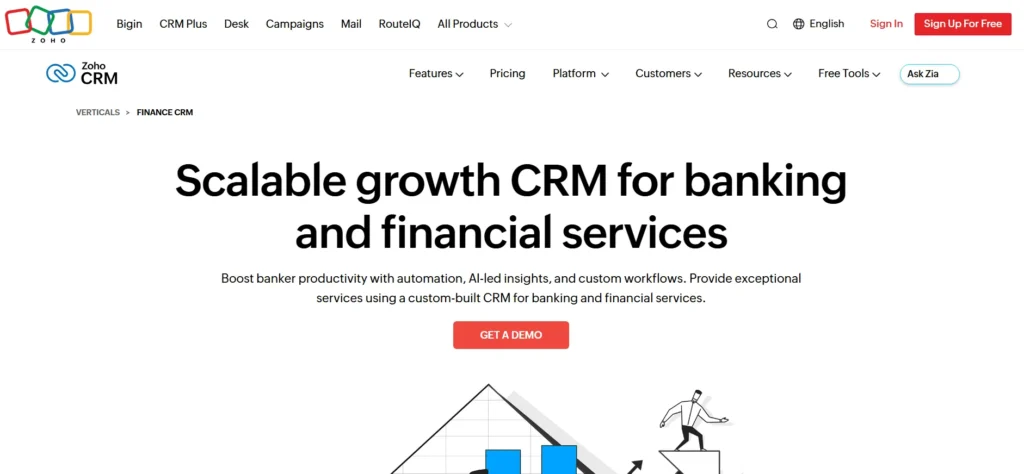
Zoho CRM offers terrifying amounts of backend power and data control for a fraction of what Salesforce charges. You can build exactly what you want, but you will likely need to hire a developer to make it look and function the way you need.
Who Is It Really For?
Bootstrapped, mid-sized B2B companies with highly specific, non-traditional sales processes. If you sell physical hardware, manage complex inventory, or need deep custom modules that standard pipelines cannot handle, Zoho gives you the blank canvas you need.
The Killer Feature (That Actually Matters)
The “Canvas Design Studio” completely changes the game for user adoption. In most CRMs, you are stuck with the layout the vendor gives you. With Zoho, I have watched operations managers drag and drop fields to visually redesign the entire lead record to match what their sales reps actually care about. The major flaw is that getting the system to that beautiful, functional state requires weeks of tedious setup and mapping.
Pricing at a Glance (as of 2026)
- Standard: $14 per user/month. The absolute cheapest entry point for a functional sales pipeline.
- Professional: $23 per user/month. Adds crucial inventory management and sales signals.
- Enterprise: $40 per user/month. The tier you actually want. It includes advanced AI, custom modules, and multi-user portals.
Does Zoho CRM fit for you? Try Zoho CRM now.
Zoho CRM: Pros & Cons
|
Pros |
Cons |
|---|---|
|
Incredibly affordable entry and mid-tier pricing. |
Out-of-the-box user interface is clunky and dated. |
|
Deep customization options for unique business models. |
Customer support is notoriously slow unless you pay extra. |
|
Huge ecosystem of native apps (Zoho Finance, Desk, etc.). |
Requires heavy technical lifting to configure properly. |
The Smartest Way to Get Started
Budget an extra $2,000 upfront. Pay a certified Zoho consultant to set up your core pipeline, import your data cleanly, and build your primary dashboard. Doing this yourself will cost you a month of lost productivity.
Final Verdict
Buy it if your business model is complex and you refuse to pay the aggressive “startup tax” charged by bigger brands. It is the best B2B CRM for strict data control on a budget.
Who Should Avoid It?
Founders who want a beautiful, intuitive system right out of the box. If you refuse to spend time configuring software, you will hate this platform.
6. Close CRM – Best B2B CRM for High-Volume Calling Teams
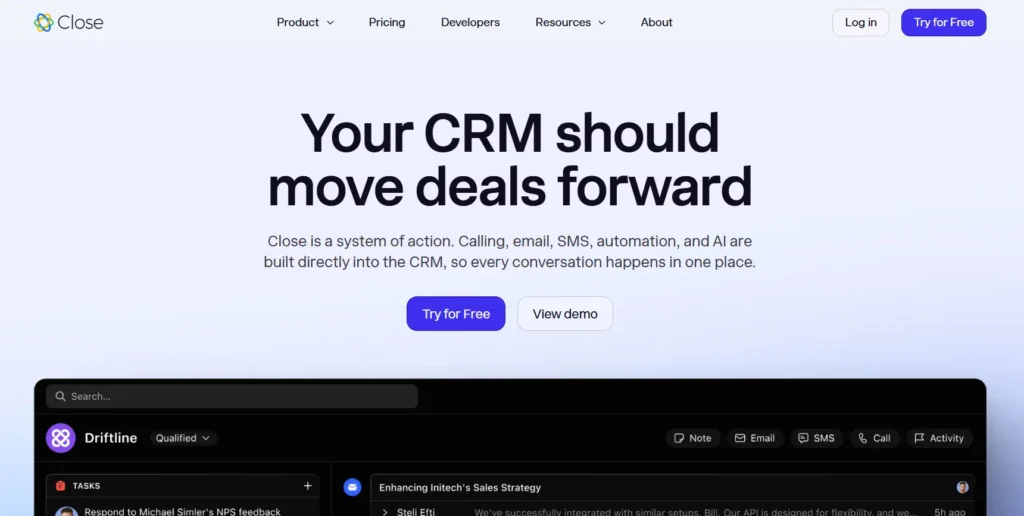
Close strips out the marketing bloat and focuses entirely on aggressive, high-volume sales outreach. It is a communication powerhouse built specifically for inside sales reps who live on the phone and in the inbox.
Who Is It Really For?
SaaS startups, high-ticket agencies, and outbound SDR teams that rely heavily on cold calling, SMS, and aggressive email follow-ups to book meetings.
The Killer Feature (That Actually Matters)
The built-in “Power Dialer” turns a mediocre sales team into a machine. Instead of manually clicking numbers and waiting for rings, the dialer automatically works through a lead list, skipping voicemails and immediately connecting a rep when a human answers. I have seen it double a rep’s daily call volume instantly. The downside is that Close offers virtually zero inbound marketing tools. You cannot build a landing page or host a web form natively without relying on outside tools.
Pricing at a Glance (as of 2026)
- Solo: $19/month. Stripped down for one user. Great for a solo founder testing a new offer.
- Essentials: $49 per user/month. Gives you basic pipeline tracking and communication.
- Growth: $109 per user/month. This is the minimum tier you need for automated workflows and the Power Dialer.
Does Close CRM fit for you? Try Close CRM now.
Close CRM: Pros & Cons
|
Pros |
Cons |
|---|---|
|
Lightning-fast interface designed for rapid data entry. |
Very weak marketing automation capabilities. |
|
Native calling and SMS are built directly into the core platform. |
The $109/month jump for the dialer is steep for small teams. |
|
The chronological activity feed perfectly tracks every touchpoint. |
Reporting is somewhat basic compared to HubSpot. |
The Smartest Way to Get Started
Connect your company email, buy a native phone number directly inside the app, and run a 100-lead cold outreach sprint. Keep your pipeline to three stages: Contacted, Meeting Booked, Closed.
Final Verdict
Buy it if your revenue depends on your team making 50 to 100 outbound dials every single day. It is the best B2B CRM for raw sales execution.
Who Should Avoid It?
Companies that rely 100% on organic inbound traffic and SEO. If you do not make outbound cold calls, you are paying a premium for features you will never touch.
7. Keap – Best B2B CRM for Service-Based Sales Automation
Keap (formerly Infusionsoft) is a veteran in the automation space, offering incredibly tight billing and booking features. However, its pricing structure aggressively punishes you for growing your contact list.
Who Is It Really For?
High-ticket consulting firms, specialized accounting agencies, and coaching businesses. It is built for companies that need to manage a lead, book a consultation, send a custom quote, and process a credit card payment all from the same dashboard.
The Killer Feature (That Actually Matters)
Keap’s “Advanced Automation Plays” connect the money directly to the messaging. We set this up for a consulting client where the system would send an invoice, wait three days, and if the payment failed, automatically text the client a friendly reminder while alerting the account manager. It tightly controls the revenue collection process. The massive limitation is the interface. Despite rebranding, the backend still feels outdated and clunky compared to modern competitors.
Pricing at a Glance (as of 2026)
- Pro Plan: ~$199/month (includes 1,500 contacts and 2 users).
- Max Plan: ~$249/month (includes 2,500 contacts and advanced reporting).
- The Tax: You must pay a mandatory $500 one-time onboarding fee. Plus, your monthly bill spikes dramatically as you add more contacts to your database.
Does Keap fit for you? Try Keap now.
Keap: Pros & Cons
|
Pros |
Cons |
|---|---|
|
Deep, reliable automation for invoicing and appointment setting. |
Contact-based pricing heavily penalizes your lead generation efforts. |
|
Built-in payment processing speeds up the collection cycle. |
Mandatory $500 onboarding fee just to start using the platform. |
|
Excellent native text messaging campaigns. |
No visual funnel builder for modern marketing teams. |
The Smartest Way to Get Started
Aggressively clean your email list before you import a single contact. Do not pay Keap for dead leads or bounced emails. Keep your database lean to protect your monthly budget.
Final Verdict
Buy it if you sell high-ticket services and need ironclad automation for getting paid.
Who Should Avoid It?
Volume-based SaaS companies or agencies running massive cold outreach campaigns. If you load 20,000 cold contacts into Keap, the monthly bill will bankrupt your marketing department.
8. Salesforce – Best B2B CRM for Massive Enterprise Operations
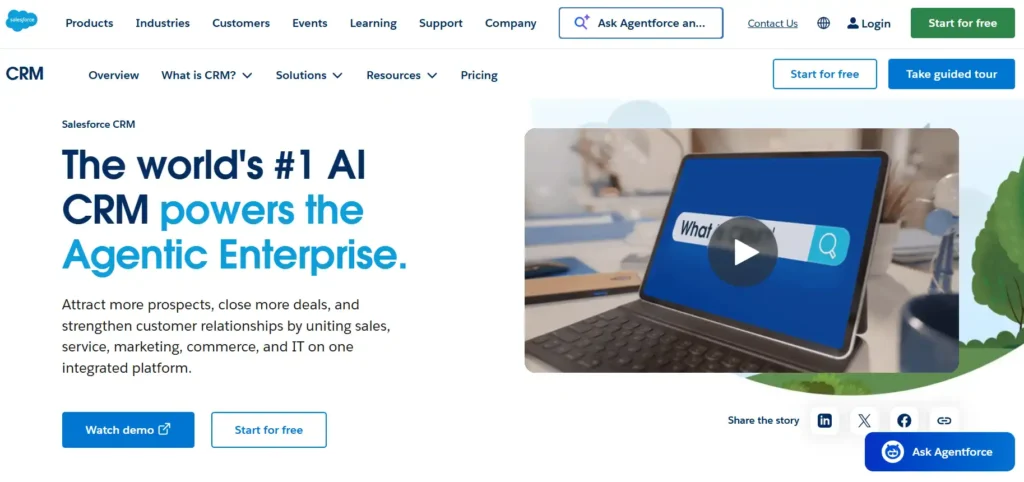
Salesforce is the most powerful software on the market, but it is an absolute overkill for 90% of scaling businesses. If you do not have a dedicated RevOps team and a massive implementation budget, this platform will crush your operational agility.
Who Is It Really For?
Global corporations, massive SaaS companies moving toward IPO, and legacy enterprises with hundreds of sales reps. It is built for organizations that need hyper-specific custom coding, complex territory management, and massive data storage.
The Killer Feature (That Actually Matters)
The “Flow Builder” gives you God-tier control over your business logic. In my experience with that nightmare client I mentioned earlier, we eventually realized that if you can dream up a process, Salesforce can execute it. You can build logic that checks a prospect’s credit score, routes them to a specific regional manager, and automatically generates a localized contract. The fatal limitation is that you cannot build these flows yourself without spending weeks earning trailhead certifications or paying a consultant $150 an hour to do it for you.
Pricing at a Glance (as of 2026)
- Starter Suite: $25 per user/month. Extremely basic, mostly a trap to get you into the ecosystem.
- Professional: $80 per user/month. Gives you standard CRM functionality but lacks API access.
- Enterprise: $165 per user/month. The minimum tier you need if you want custom code and API integrations.
- Unlimited: $330 per user/month. Built for massive, global sales floors.
Does Salesforce fit for you? Try Salesforce now.
Salesforce: Pros & Cons
|
Pros |
Cons |
|---|---|
|
Unmatched customizability; it can bend to fit any business model perfectly. |
Requires expensive, highly specialized consultants to set up properly. |
|
The AppExchange has native integrations for literally every tool on earth. |
The user interface feels like navigating a spreadsheet from 2014. |
|
Deep, enterprise-grade security and role-based access controls. |
You must pay extra for basic API access on lower-tier plans. |
The Smartest Way to Get Started
Do not buy Salesforce unless you are legally obligated by investors or your board of directors. If you must buy it, set aside at least three times the software cost strictly for implementation and team training.
Final Verdict
Pass on it if you are a mid-market agency or a growing SaaS. It is the best B2B CRM for massive corporations, but a death sentence for lean, agile teams.
Who Should Avoid It?
Agencies with fewer than 50 employees and bootstrapped founders. If you buy this without a full-time admin on payroll, you will eventually abandon the software entirely.
9. Monday sales CRM – Best B2B CRM for Project-Led Sales
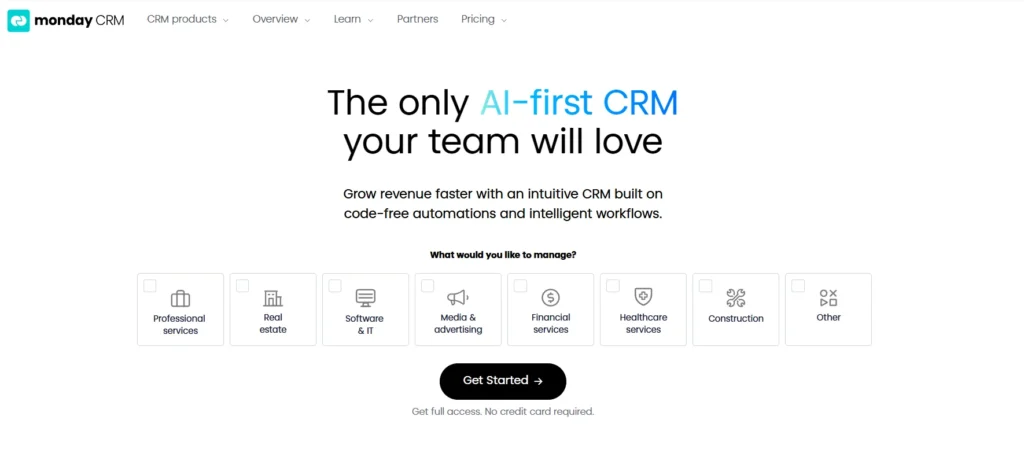
Quick Verdict: Monday sales CRM bridges the gap between closing a deal and actually doing the work. It is highly visual and incredibly flexible, but it falls short if you need deep, behavior-triggered marketing campaigns.
Who Is It Really For?
Creative agencies, software development firms, and consulting teams where the sales rep works closely with the fulfillment team. If your biggest operational bottleneck is the communication breakdown after a deal is signed, this platform solves it.
The Killer Feature (That Actually Matters)
The “Board-to-Board Automations” create a flawless internal workflow. When we set this up for a web design client, we built a trigger so that the second a deal hit “Closed Won,” the CRM automatically spun up a new project board, assigned a lead developer, and populated a 20-step onboarding checklist. The major limitation is that Monday is fundamentally a work management tool forcing itself to be a CRM, so its native email sequencing is basic compared to ActiveCampaign.
Pricing at a Glance (as of 2026)
- Basic: $12 per user/month. Too restricted; it lacks basic automation.
- Standard: $17 per user/month. Good for simple deal tracking and basic board connections.
- Pro: $28 per user/month. This is the sweet spot. It unlocks email tracking, deeper automations, and sales forecasting.
- Enterprise: Custom pricing. Adds advanced lead scoring and massive API limits.
Does Monday sales CRM fit for you? Try Monday sales CRM now.
Monday sales CRM: Pros & Cons
|
Pros |
Cons |
|---|---|
|
Highly intuitive, colorful, and satisfying visual interface. |
Weak native reporting capabilities for complex revenue attribution. |
|
Perfect synergy between sales pipelines and project management boards. |
It forces you to buy seats in specific increments (e.g., you must buy 5, 10, or 15). |
|
Extremely easy to teach to non-technical staff members. |
Advanced marketing automation requires third-party workarounds. |
The Smartest Way to Get Started
Start on the Pro plan and build your sales pipeline board first. Do not try to connect it to your project boards until your sales team has mastered logging their daily activity.
Final Verdict
Buy it if your service delivery heavily relies on immediate action right after a sale closes. It holds its title as the best B2B CRM for teams that treat sales and project management as one fluid motion.
Who Should Avoid It?
High-volume outbound call centers and pure SaaS companies with zero manual onboarding. If you do not do project work, Monday’s core strength is completely wasted on you.
10. Freshsales – Best B2B CRM for Built-In AI Lead Scoring
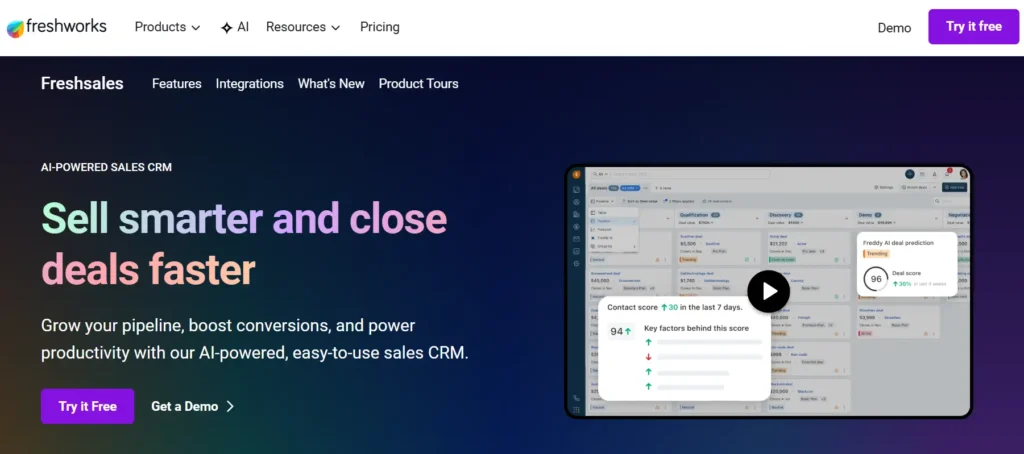
Quick Verdict: Freshsales offers a clean, lightning-fast interface with surprisingly powerful AI tools built right into the core product. It tells your sales reps exactly who to call next, though its third-party integration ecosystem is smaller than its rivals.
Who Is It Really For?
High-velocity B2B sales teams dealing with massive inbound lead volume. If your SDRs are drowning in hundreds of trial signups and free-tier users, they need a system to filter the noise.
The Killer Feature (That Actually Matters)
“Freddy AI Contact Scoring” is the best out-of-the-box predictive tool in this price bracket. I watched a client use this to stop their reps from wasting hours calling terrible leads. Freddy analyzes historical data, email clicks, and website activity to assign a strict numerical score to every prospect. The hard limitation here is that AI requires data volume; if you only get 10 leads a month, the scoring algorithm will be completely inaccurate and practically useless.
Pricing at a Glance (as of 2026)
- Free: $0 (up to 3 users). Basic contact management, but no AI features.
- Growth: $15 per user/month. Unlocks basic visual pipelines and custom fields.
- Pro: $39 per user/month. The tier you actually want. This includes Freddy AI, multiple sales pipelines, and chat campaigns.
- Enterprise: $69 per user/month. Adds audit logs and dedicated account managers.
Does Freshsales fit for you? Try Freshsales now.
Freshsales: Pros & Cons
|
Pros |
Cons |
|---|---|
|
Freddy AI accurately predicts deal closures if you have high lead volume. |
The native integrations library is noticeably smaller than HubSpot’s. |
|
Built-in phone and email tools right from the main dashboard. |
Customer support can be slow on the lower pricing tiers. |
|
Clean, uncluttered UI that requires very little training. |
The free tier aggressively pushes you toward paid upgrades. |
The Smartest Way to Get Started
Pay for the Pro tier immediately so you can activate the web tracking script. Put that script on your pricing page and let Freddy AI start gathering data for 30 days before you fully trust its lead scores.
Final Verdict
Buy it if you generate hundreds of leads a month and your sales reps are complaining about low connection rates. It is the best B2B CRM for automating the lead qualification process.
Who Should Avoid It?
Agencies that run a low-volume, high-ticket, Account-Based Marketing (ABM) strategy. If you only target 50 specific companies a year, you do not need AI to tell you who is important.
11. Copper – Best B2B CRM for Google Workspace Power Users
Quick Verdict: Copper lives entirely inside your Gmail inbox, eliminating manual data entry completely. It is the perfect tool for relationship-driven agencies, provided you are willing to completely abandon Microsoft Outlook.
Who Is It Really For?
Boutique PR firms, design agencies, and consulting teams that practically live inside Google Workspace (Gmail, Calendar, Drive). If your team hates traditional software and refuses to log their activity, this forces compliance by hiding the CRM in the tools they already use.
The Killer Feature (That Actually Matters)
The “Zero Data Entry” Google integration is flawless. When I tested Copper, I loved that the second an email hit my inbox from a new prospect, Copper instantly scraped their signature, found their LinkedIn, created a contact record, and logged the interaction. It completely eliminates the excuse of “I forgot to update the CRM.” The brutal limitation is the total lack of flexibility; if your client communication happens via text message, WhatsApp, or outside of Google’s ecosystem, Copper goes completely blind.
Pricing at a Glance (as of 2026)
- Basic: $29 per user/month. Max 2,500 contacts. Too expensive for such severe limits.
- Professional: $69 per user/month. The standard tier. Unlocks bulk emailing and full Google Workspace integration.
- Business: $134 per user/month. Unlimited contacts and advanced goal tracking.
Does Copper fit for you? Try Copper now.
Copper: Pros & Cons
|
Pros |
Cons |
|---|---|
|
Unbeatable native integration with Gmail and Google Calendar. |
Completely useless if your company uses Microsoft 365. |
|
Eliminates hours of manual data entry every single week. |
Pricing is quite high considering it lacks deep marketing tools. |
|
Reps never have to leave their email inbox to update deal stages. |
Automation options are basic compared to Pipedrive or ActiveCampaign. |
The Smartest Way to Get Started
Before you pay a dime, verify that 100% of your sales communication happens via email and Google Meet. If your reps use personal cell phones or social media DMs to close deals, Copper will not track it.
Final Verdict
Buy it if your company runs entirely on Google Workspace and you want a CRM your team will actually use without complaining.
Who Should Avoid It?
Any company using Microsoft Outlook, heavily relying on cold calling, or needing advanced outbound marketing campaigns.
12. Zendesk Sell – Best B2B CRM for Customer Support Alignment
Quick Verdict: Zendesk Sell is an excellent, straightforward sales tool that shines brightest when connected to Zendesk’s massive customer service platform. If you want your sales reps to see exactly how many open support tickets a prospect has before asking for a contract renewal, this is your solution.
Who Is It Really For?
B2B SaaS companies and established agencies that run heavy customer support operations alongside their sales team. It bridges the gap between the people closing the deals and the people fixing the bugs.
The Killer Feature (That Actually Matters)
The “Unified Customer View” between Zendesk Support and Zendesk Sell is the single most valuable asset here. I once watched an Account Executive blindly pitch a massive upsell to a client who had literally just submitted a furious ticket about server downtime. With Zendesk Sell, the CRM pulls support tickets directly into the sales dashboard. Your reps get immediate, unfiltered context about the health of the account before they pick up the phone. The catch is that buying both Zendesk products gets incredibly expensive for small teams.
Pricing at a Glance (as of 2026)
- Sell Team: $19 per user/month. Basic pipeline and email integration.
- Sell Growth: $55 per user/month. Adds advanced reporting and a built-in dialer.
- Sell Professional: $115 per user/month. The premium tier with lead scoring and task automation.
- Warning: If you want the customer support integration, you must pay for a separate Zendesk Suite subscription starting at $55/user.
Does Zendesk Sell fit for you? Try Zendesk Sell now.
Zendesk Sell: Pros & Cons
|
Pros |
Cons |
|---|---|
|
Flawless connection with the Zendesk Support ecosystem. |
You are paying for two separate products to get the real value. |
|
The mobile app is genuinely excellent for outside sales reps. |
Standalone marketing features are virtually non-existent. |
|
Built-in calling and texting tools work reliably without glitches. |
The interface is a bit rigid and hard to customize. |
The Smartest Way to Get Started
Do not buy Zendesk Sell as a standalone CRM if you use a different support tool like Intercom. Only buy this if you are already heavily invested in the Zendesk Support ecosystem and want to consolidate your vendors.
Final Verdict
Buy it if your revenue relies on successful upsells and renewals from your existing customer base. It is the best B2B CRM for keeping sales and support on exactly the same page.
Who Should Avoid It?
Early-stage startups or pure outbound sales teams that do not have a dedicated customer service department yet. You will pay a premium for a cross-department connection you do not need.
13. Capsule – Best B2B CRM for Ultra-Lean Teams
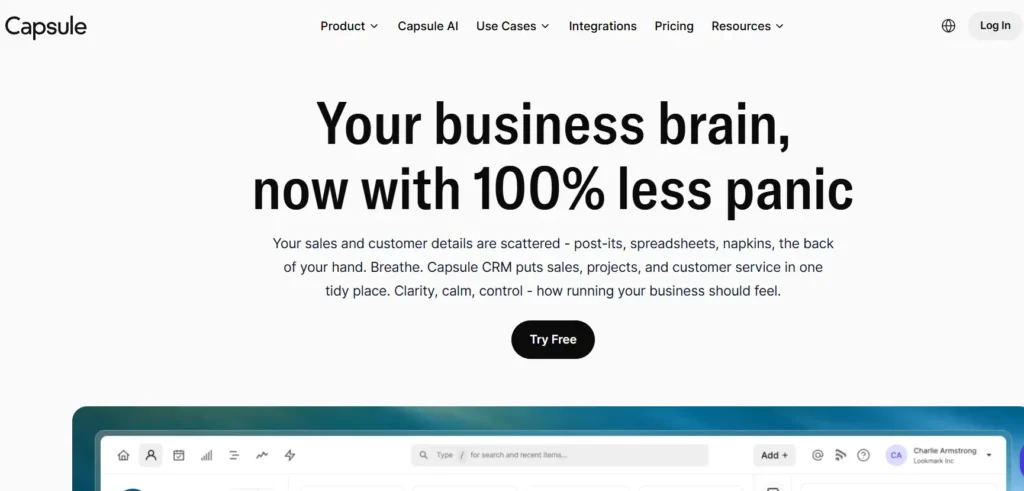
Capsule is the anti-bloat CRM, designed for founders who just want to keep track of names, emails, and deal stages without navigating a confusing maze of features. It is incredibly simple, beautifully designed, and shockingly affordable.
Who Is It Really For?
Small boutique agencies, independent consultants, and bootstrapped B2B founders managing fewer than 50 active deals at a time. If you just need to graduate from an Excel spreadsheet, Capsule is the softest landing possible.
The Killer Feature (That Actually Matters)
The “Visual Kanban Pipeline” in Capsule is the cleanest I have ever tested. I gave an intern access to Capsule, and they figured out how to create a contact, attach a file, and move a deal to “Closed” in less than five minutes with zero instruction. It strips away every unnecessary button to focus entirely on who you are talking to and what they are worth. The downside is that this simplicity comes at a massive cost to automation; you cannot build complex behavioral triggers here.
Pricing at a Glance (as of 2026)
- Free: 250 contacts and 2 users. A highly restricted digital address book.
- Starter: $18 per user/month. Good for 30,000 contacts and basic integrations.
- Growth: $36 per user/month. Adds workflow automation and important user roles.
- Advanced: $54 per user/month. Gives you multiple sales pipelines and better reporting.
Does Capsule fit for you? Try Capsule now.
Capsule: Pros & Cons
|
Pros |
Cons |
|---|---|
|
The absolute shortest learning curve of any CRM on the market. |
Lacks native email marketing and advanced automation builders. |
|
Clean, fast, and completely free of confusing corporate jargon. |
Custom reporting is very weak compared to HubSpot. |
|
Very affordable mid-tier plans for growing bootstrapped teams. |
You will outgrow it if your sales team expands past 10 reps. |
The Smartest Way to Get Started
Sign up for the 14-day free trial on the Growth plan. Import your top 100 contacts via CSV, connect your email, and track your active conversations for a week.
Final Verdict
Buy it if you hate complicated software and refuse to read instruction manuals. It is the best B2B CRM for absolute simplicity and ease of use.
Who Should Avoid It?
Marketing-heavy organizations that rely on lead scoring, automated email drip campaigns, and deep revenue attribution. Capsule will simply not keep up with a sophisticated marketing machine.
14. Nimble – Best B2B CRM for LinkedIn Social Selling
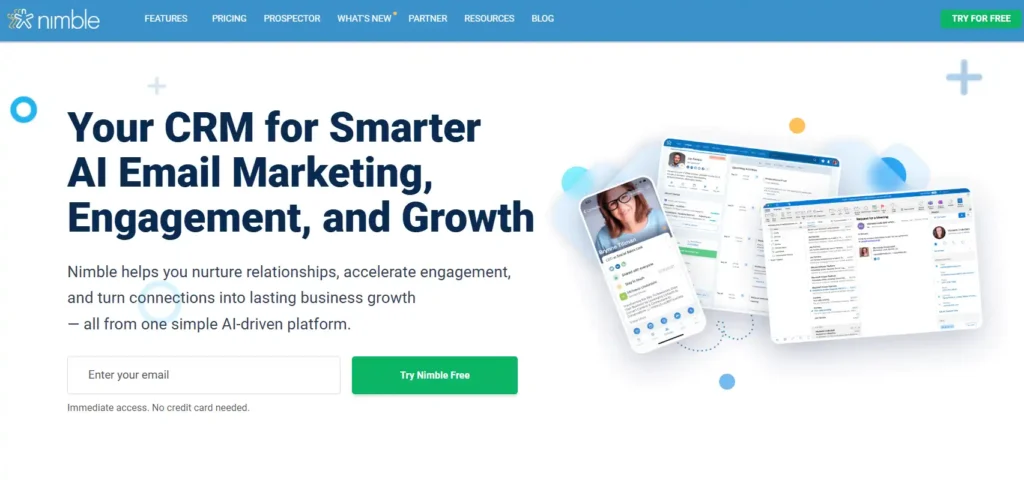
Nimble is essentially a massive web scraper that builds rich prospect profiles directly from social media. It is an absolute weapon for SDRs who spend their entire day hunting for leads on LinkedIn or Twitter.
Who Is It Really For?
Outbound B2B agencies and SaaS sales teams that generate the vast majority of their meetings through social selling, specifically on LinkedIn.
The Killer Feature (That Actually Matters)
The “Nimble Prospector” browser extension is easily the best social integration I have ever used. During a massive outbound sprint for a SaaS client, we realized reps were spending three hours a day just copying data from LinkedIn to the CRM. Nimble’s extension hovers right over your browser window; you click one button, and it builds a complete contact profile by scraping public data. It turns a 5-minute manual data entry task into a three-second click. The problem is that the actual pipeline management tools inside the CRM feel secondary and slightly outdated.
Pricing at a Glance (as of early 2026)
- Nimble Business: $24.90 per user/month (billed annually). They keep it refreshingly simple with exactly one pricing tier that gives you all the core features.
Does Nimble fit for you? Try Nimble now.
Nimble: Pros & Cons
|
Pros |
Cons |
|---|---|
|
Unbeatable at scraping and organizing social media prospect data. |
The main CRM dashboard feels a bit old-fashioned. |
|
Refreshingly simple, transparent single-tier pricing model. |
Not built for deep marketing automation or complex routing. |
|
The browser extension saves hours of manual data entry every week. |
Storage limits on the base plan can fill up quickly if you attach files. |
The Smartest Way to Get Started
Install the browser extension on day one. Have your SDRs open their LinkedIn message inboxes and use Nimble to instantly port their 50 hottest conversations directly into the CRM.
Final Verdict
Buy it if your sales strategy is built entirely on social media outreach and networking. Nimble is undeniably the best B2B CRM for heavily active social sellers.
Who Should Avoid It?
Inbound-heavy teams running paid ads and SEO. If leads come to you via web forms, you do not need a tool designed for aggressive outbound social scraping.
Your Action Plan: 5 Steps to a Successful B2B CRM Launch
Do not just buy a subscription and expect your revenue to double. A CRM is an empty filing cabinet until you build a system around it. If you want to find the best B2B CRM and actually make it work, follow this exact blueprint:
- Map Your Pipeline on a Whiteboard First: Never build your sales process inside the software first. Draw out your exact stages (e.g., Lead > Demo Booked > Proposal Sent > Closed Won) on a physical board. The software must match your reality, not the other way around.
- Aggressively Clean Your Data: Do not import your list of 10,000 dead emails from 2018. Run your current list through a bulk email verifier. Only import contacts who have engaged with your brand in the last 12 months. Garbage data will ruin your reporting on day one.
- Connect Your Inbox and Calendar Immediately: The biggest reason sales reps hate CRMs is manual data entry. Integrate Google Workspace or Outlook before you invite a single team member so that emails and meetings log automatically.
- Build One Core Automation: Do not try to automate your entire business in week one. Build one simple trigger: when a lead hits “Meeting Booked,” automatically send a confirmation email and create a reminder task for the rep. Prove that the system works before adding complexity.
- Enforce the “If It’s Not in the CRM, It Didn’t Happen” Rule: Your launch will fail if reps keep private spreadsheets. Tie your commission payouts strictly to the data inside the CRM. Compliance will reach 100% overnight.
What to Do Next
Stop researching and make a decision based on your biggest operational bottleneck. If you have the budget and want world-class inbound marketing, buy HubSpot. If your sales rely entirely on complex, behavior-triggered emails, get ActiveCampaign. If your SDRs just need a clean, fast pipeline to close outbound deals, sign up for Pipedrive. Pick the tool that fixes your biggest problem today, map out your pipeline, and get your team selling.
B2B CRM Cost: What You Actually Get at Each Price Point
Software companies are notorious for hiding their best features behind massive paywalls. When choosing the best B2B CRM software for your agency or SaaS, here is the harsh reality of what you are actually buying at each tier:
- The $15 – $25/Month Tier (The Digital Rolodex): You are paying for a glorified spreadsheet. You get basic contact storage, simple pipeline tracking, and manual email logging. Expect zero automation and heavy manual data entry.
- The $50 – $90/Month Tier (The Engine Room): This is where you actually start buying back your time. At this level, you get two-way email sync, basic behavior-triggered automations, and custom fields. This is the sweet spot for a scaling 10-person team.
- The $150+/Month Tier (The Enterprise Lock-In): You are buying advanced revenue attribution, predictive lead scoring, and massive custom data limits. Only consider this when your organic lead volume is too high to track manually and your budget can absorb mandatory four-figure onboarding fees.
Frequently Asked Questions (FAQ)
What is the difference between a B2B and B2C CRM?
A B2B CRM focuses on long sales cycles, tracking company hierarchies (Account-Based Marketing), and managing multiple decision-makers within a single deal. A B2C CRM is built for massive volume, rapid transactional sales, and blasting promotional emails to thousands of individual consumers at once.
How much should a scaling agency actually spend on a CRM?
A healthy benchmark is between $50 and $100 per user per month for a mid-tier system with solid automation. If you are paying over $150 per user, you are either buying enterprise features you do not need, or you are getting aggressively upcharged for basic add-ons.
Do I need a dedicated RevOps manager to run my CRM?
If you choose a lightweight tool like Pipedrive or Capsule, no. A smart sales manager can run it. However, if you buy Salesforce or HubSpot Enterprise, you will absolutely need a dedicated, technical admin on payroll to manage the custom fields, API connections, and broken automations.
Is a free CRM ever worth it for a B2B business?
Only as a temporary training wheels exercise. Free tools heavily restrict API access, automation, and reporting. You can use HubSpot’s free tier to build the habit of logging deals, but you will need to upgrade to a paid plan the second you want to automate your follow-ups.