Most “Best Email Marketing” guides are written for e-commerce shops selling t-shirts.
If you run a B2B SaaS, you don’t care about “beautiful newsletter templates” or “shoppable instagram galleries.” You care about one thing: Logic.
You need a tool that knows exactly what a user is doing inside your app. You need to know if they clicked “Invite Team Member,” if they viewed the pricing page three times but didn’t upgrade, or if they haven’t logged in for 14 days (churn risk).
I have managed email stacks for SaaS companies ranging from 10-person startups to Series B scale-ups. I’ve seen the “All-in-One” tools fail during critical launches, and I’ve seen simple API limits bankrupt marketing budgets.
This guide isn’t about sending newsletters. It’s about building an automated retention engine.
Here is the no-nonsense breakdown of the best email software for B2B SaaS.
Quick Verdict: The Top Contenders at a Glance
If you don’t have time to read the deep dive, here is my cheat sheet based on your current growth stage.
|
Best For… |
Software Choice |
Why? |
|---|---|---|
|
Product-Led Growth (PLG) |
Best-in-class event handling. If your marketing relies on app usage data, this is the king. |
|
|
Sales-Led Growth |
Strongest balance between marketing automation and a sales CRM. |
|
|
Scaling Teams |
It’s expensive, but it solves the “messy data” problem by keeping everything under one roof. |
The “Church and State” Rule: Read This First
Before we look at the tools, we need to kill a dangerous myth. Do not look for one tool to handle everything.
In B2B SaaS, you must separate your email stack into two distinct categories:
- Cold Outreach (The Hunter): Tools like Lemlist, Instantly, or Smartlead. These connect to Google Workspace/Outlook to send plain-text emails that look manually written.
- Lifecycle & Retention (The Farmer): Tools like Customer.io or ActiveCampaign. These use their own SMTP servers to send HTML emails, onboarding sequences, and product updates to people who already know you.
This article focuses strictly on Category 2.
If you try to blast cold leads using ActiveCampaign or Customer.io, you will destroy your domain reputation and likely get banned within a week. Keep them separate.
1. Customer.io – Best for Data-Driven Product Teams
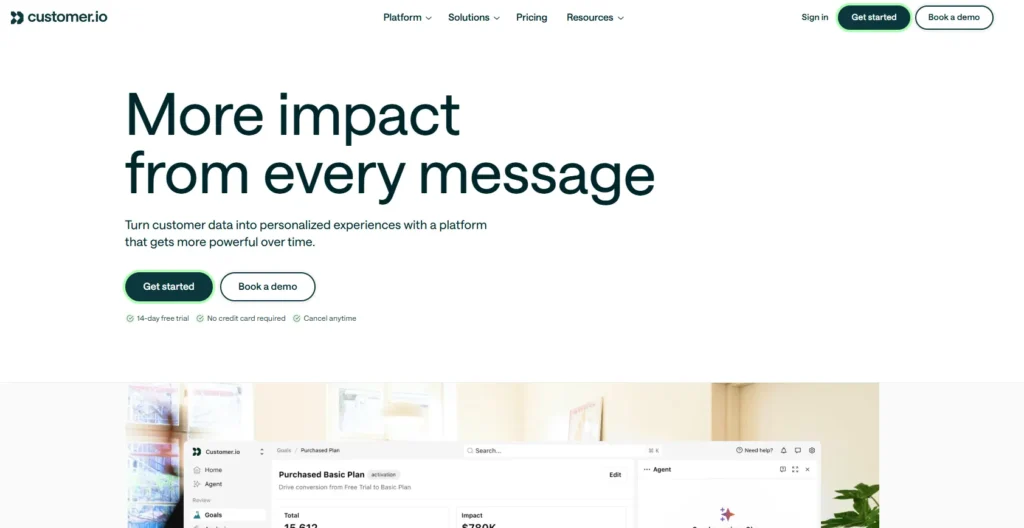
If your SaaS relies on “Product-Led Growth” (PLG)—meaning the product sells itself through usage—Customer.io is the gold standard. It doesn’t just look at “email opens”; it triggers based on raw application data.
Who Is It Really For?
SaaS companies with a technical marketer or developer on the team. You need to be comfortable with terms like “JSON,” “Webhooks,” and “Event Attributes.”
The Killer Feature (That Actually Matters)
The Visual Workflow Builder with Logic Splits.
Most tools let you send an email if a user clicks a link. Customer.io lets you send an email if a user logs in, visits the billing page, but doesn’t perform the event upgraded_account within 20 minutes.
I recently set up a “Churn Prevention” workflow for a project management SaaS. We targeted users who had last_login > 30 days AND project_count > 0. The granularity here is unmatched.
Pricing at a Glance
Pricing is based on “Profiles” (contacts).
- Essentials: Starts around $100/mo for 12k profiles.
- Premium: Custom pricing for advanced support.
Does Customer.io fit for you? Try Customer.io now.
Pros & Cons
|
Pros |
Cons |
|---|---|
|
incredible handling of custom events and attributes. |
The email editor is functional but not “pretty” (less drag-and-drop focus). |
|
Best-in-class segmentation speed. |
Higher learning curve; not for non-techies. |
|
Includes in-app messaging and push notifications. |
No built-in CRM (you need to sync to Pipedrive/Salesforce). |
The Smartest Way to Get Started
Don’t import your whole list. Start by syncing your “Trial Users” segment via Segment.com or the API. Build your onboarding sequence here first to test the event latency.
Final Verdict: Buy
If you are a PLG SaaS, this is the tool you want.
Who Should Avoid It?
The “Non-Technical” Marketer. If you can’t configure an API call or don’t know what a webhook is, you will struggle here.
2. ActiveCampaign – Best for Sales-Led Growth
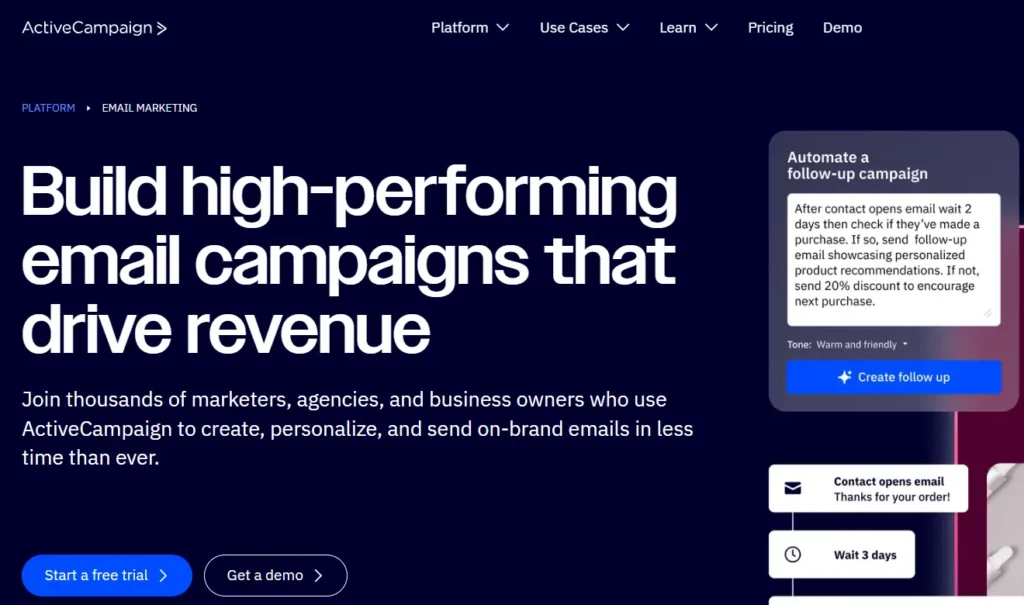
If your SaaS requires a sales team to close deals (e.g., Enterprise plans, demos), ActiveCampaign is the bridge between marketing and sales.
Who Is It Really For?
Companies that need to nurture leads with content but hand them off to a human sales rep when they hit a certain “Lead Score.”
The Killer Feature (That Actually Matters)
The CRM & Automation Handshake.
ActiveCampaign isn’t just an email tool; it has a built-in CRM. You can create a workflow that says: “If a user clicks the ‘Enterprise Pricing’ link in an email, automatically create a Deal in the CRM, assign it to ‘Sales Rep John,’ and create a task for him to call them.”
Pricing at a Glance
- Lite: Affordable, but misses the automation features you need.
- Plus: The sweet spot. Starts around $49/mo (scales with contacts).
Does ActiveCampaign fit for you? Try ActiveCampaign now.
Pros & Cons
|
Pros |
Cons |
|---|---|
|
Powerful visual automation builder. |
The CRM is good, but not Salesforce good. |
|
Excellent “Site Tracking” to see what leads do on your web pages. |
The interface can get slow/clunky with massive accounts. |
|
Huge library of native integrations. |
Pricing jumps significantly as your list grows. |
The Smartest Way to Get Started
Use the “Lead Scoring” feature immediately. Assign points for email opens, link clicks, and page visits. Once a user hits 50 points, trigger an internal notification to your sales team.
Final Verdict: Buy
The best middle-ground option for teams that need both marketing automation and sales management.
Who Should Avoid It?
Pure Transactional Apps. If you just need to send password resets and receipts, this is overkill and too expensive.
3. HubSpot Marketing Hub – Best for Scaling Teams & Stability
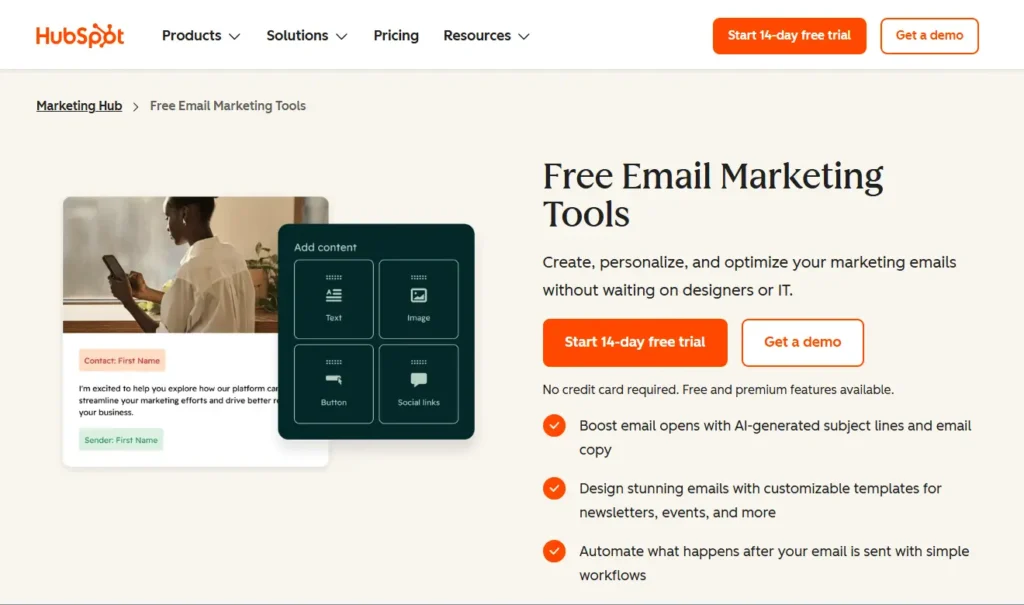
HubSpot is the elephant in the room. It’s expensive, powerful, and becomes the “operating system” for your entire business.
Who Is It Really For?
Scale-ups (Series A+) where the Marketing, Sales, and Support teams all need to look at the exact same customer profile without arguing about whose data is correct.
The Killer Feature (That Actually Matters)
The Single Source of Truth.
The “Bi-Directional Lie” (more on this later) doesn’t exist here because the Email tool and the CRM are the same database. When a sales rep changes a deal stage, the marketing email stops instantly. No 15-minute sync delays. No broken webhooks.
Pricing at a Glance
- Starter: Cheap teasers (~$20/mo), but they remove the automation you actually need.
- Professional: The real starting point. Starts at ~$800/mo + onboarding fees.
Does HubSpot fit for you? Try HubSpot now.
Pros & Cons
|
Pros |
Cons |
|---|---|
|
Zero integration friction (it’s all one platform). |
Extremely expensive compared to competitors. |
|
World-class reporting and attribution. |
Contracts are sticky (often annual lock-ins). |
|
Huge ecosystem of certified experts. |
Support on lower tiers is limited. |
The Smartest Way to Get Started
Skip the Starter Plan if you are serious about automation. Negotiate your “Marketing Contacts” tier aggressively before signing; you only want to pay for people you are actively marketing to, not your whole database.
Final Verdict: Buy (If you have the budget)
If you can afford the $800+/mo entry price, it saves you 10 hours a week in troubleshooting integrations.
Who Should Avoid It?
Bootstrapped Founders. The cost per contact will eat your margins alive in the early days.
Warning: The “Nightmare” Scenario (Who to Avoid)
I have seen SaaS founders try to save money by using “Prosumer” tools like Mailchimp or AWeber.
Do not do this.
I once worked with a mid-sized SaaS (~25k users) that used a generic email tool for a major feature launch. 12 hours before the announcement, the marketing team sent a hype email to beta testers.
Because the tool shared IP addresses with millions of other users (including affiliate marketers), the platform’s automated compliance algorithm flagged the SaaS account as “Spam/Risk.”
The Result: The account was locked. The launch emails never went out. We missed the window entirely while waiting 48 hours for a “human review.”
The Lesson: Enterprise/B2B tools like Customer.io or HubSpot understand SaaS. They warn you; they don’t lock you out. Generic tools shoot first and ask questions later.
Demystifying Costs: The “Event Volume” Trap
When you buy email software for SaaS, you aren’t just paying for “Contacts.” You are paying for Data Usage.
Most founders budget for the list size: “I have 10,000 users, so I’ll pay $150.”
Here is the Gotcha:
Sophisticated tools bill based on API calls or “Events.”
If you have a project management tool, and a single user generates 50 events a day (created_task, moved_card, added_comment), you might hit a 1 Million Event/Month limit while only having 500 users.
- Standard Billing: Based on how many email addresses you store.
- SaaS Billing: Based on how many data points you push to the system.
Strategic Tip: Before signing a contract, ask the sales rep: “What is the hard limit on API calls or Events per month, and what is the overage cost?”
The “Bi-Directional” Lie: Why Integrations Break
You will see every tool advertise “Native Integrations” with Salesforce, Pipedrive, or Segment.
Be skeptical.
The most common bottleneck in B2B SaaS is Sync Latency.
- Scenario: A customer buys your Enterprise plan at 10:00 AM.
- The Goal: The “Nurture Sequence” stops immediately.
- The Reality: The integration runs every 15 minutes. At 10:05 AM, the customer gets an automated email: “Hey, are you still interested in buying?”
This makes you look incompetent.
The Fix: When testing a tool, specifically test the Custom Object Sync. Does it sync license keys and plan tiers instantly? If not, you will need a middleware like Zapier, which introduces another point of failure.
5 Steps to a Retention Engine
- Audit Your Events: Before buying a tool, list the 5 critical actions a user takes in your app (e.g., Sign Up, Install Script, Invite User, Create Project, Upgrade).
- Clean Your List: Remove anyone who hasn’t logged in or opened an email in 6 months. Do not import dead weight into a new tool—it hurts deliverability.
- The “Warm Up” Phase: Do not send 50,000 emails on Day 1. Ramping up volume over 2-3 weeks establishes trust with ISPs (Gmail/Outlook).
- Transactional First: Set up your password resets and receipts on a dedicated service like Postmark. Do not let your marketing tool handle these.
- Launch the “Aha!” Sequence: Build your first automation around getting the user to the “Aha!” moment (the first time they get value from your app), not just a generic “Welcome” series.
What to Do Next
If you are currently using a generic tool and feeling the pain of bad data syncing, start with an Event Audit. Map out exactly which user actions are missing from your current email tool. Once you see the gaps, the choice between Customer.io (Data-heavy) and ActiveCampaign (Sales-heavy) becomes obvious.
Review Methodology: How We Rate SaaS Email Tools
Our rating system is simple. We don’t care about “drag-and-drop pretty templates.” We judge B2B SaaS tools on three specific criteria:
- Data Latency: How fast does an in-app action trigger an email? (Real-time is the only acceptable answer).
- Integration Depth: Can the tool read Custom Objects (like “Plan Tier” or “Server Usage”) without breaking?
- Deliverability Protection: Does the platform offer dedicated IPs or high-reputation shared pools that isolate you from spammers?
We prioritize tools that act as infrastructure, not just design builders.
FAQ
1. Can I use Mailchimp for my B2B SaaS?
You can, but you shouldn’t. It lacks the event-based triggers needed for proper onboarding and is aggressive with account suspensions.
2. What is the difference between Transactional and Marketing email?
Transactional emails (password resets, invoices) are triggered by the system and must land in the inbox 100% of the time. Marketing emails (newsletters, nurturing) are promotional. Keep them on separate infrastructures (or at least separate subdomains).
3. How do I stop my emails from going to Spam?
Authenticate your domain (DKIM/SPF/DMARC). Don’t use cold outreach tools for newsletters. Clean your list regularly to remove inactive users.
4. Do I need a dedicated IP?
Only if you are sending over 100,000 emails a month. Below that, a high-quality shared IP (like those from Customer.io or ActiveCampaign) is actually safer because it’s already “warm.”