I once audited a workflow for a high-ticket hybrid conference that turned into a nightmare. The organizer had set up a “Welcome & Access Link” email to trigger immediately when a user submitted the registration form.
The problem? They triggered it on Form Submission, not Payment Confirmation.
About 40 people filled out the form, had their credit cards declined, but still received the “You’re In!” email with the Zoom links. The result was absolute chaos: 40 unpaid attendees joined the sessions, and the organizer had to awkwardly kick people out of the Zoom room live.
The Lesson: Never trigger event access on intent; only trigger on confirmed revenue.
Most email marketing tools can send a newsletter. But for event planners, you need tools that understand logic, timing, and heavy integration loads. If your email software lags by two hours on the day of the event, your attendees miss the keynote, and you lose your reputation.
I’ve tested the major platforms specifically for event workflows—from registration confirmations to post-event upsells. Here is the honest breakdown of what works, what fails, and what you should avoid.
Quick Verdict: The TL;DR
If you are in a rush to set up your campaign, here is my “at a glance” recommendation based on your specific event type.
- Best Overall (The “Underdog” Winner): ActiveCampaign. It handles “Wait Until” logic better than anyone else, ensuring attendees get emails exactly when they need them.
- Best for B2B & Enterprise: HubSpot. If the event is part of a larger sales pipeline, nothing beats its native CRM integration.
- Best for Creator-Led Events: Kit (formerly ConvertKit). Best for selling webinars or workshops where text-based, personal connection matters more than design.
- Best for Simple/Local Events: Mailchimp. Good for one-off meetups, but risky for high-volume syncs.
How We Rate Email Marketing Tools: Our Simple Promise
We don’t just look at how pretty the templates are. For event planning, “pretty” doesn’t get people in seats—deliverability and logic do.
Our review methodology focuses on three stress tests:
- The Integration Stress Test: How fast does the tool sync with platforms like Eventbrite or Luma? (A 15-minute lag is acceptable; a 2-hour lag is a dealbreaker).
- The Logic Test: Can the tool handle “Wait Until [Event Date]” automations, or is it stuck in linear “Day 1, Day 2” sequences?
- The Deliverability Check: Does the tool end up in the Promo tab during crucial ticket sales windows?
1. ActiveCampaign – Best for Complex Workflows
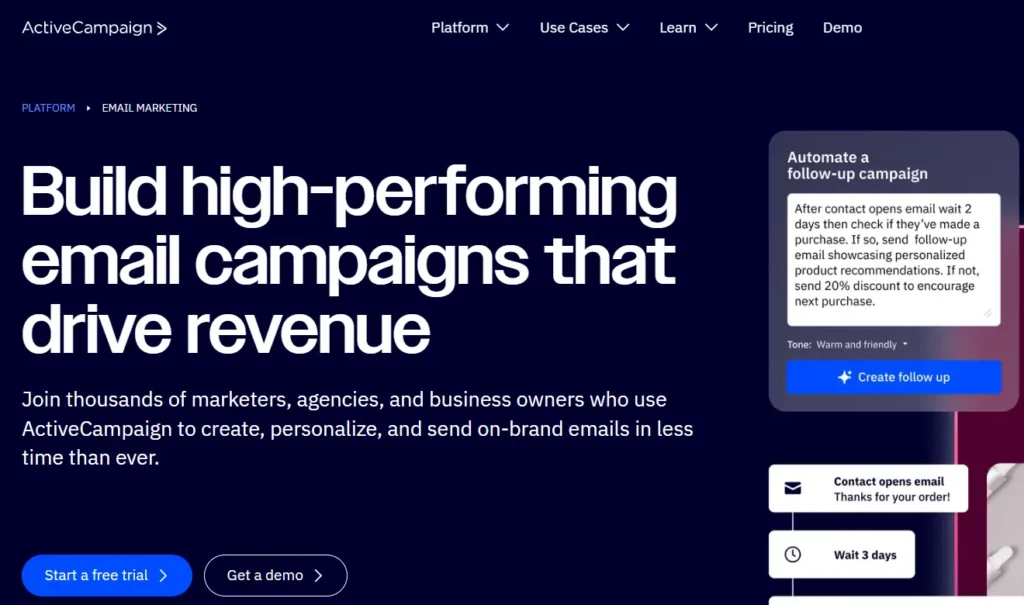
ActiveCampaign is often underestimated by beginners who flock to the “giants,” but for event logistics, it is the superior tool. While others focus on newsletters, ActiveCampaign focuses on the journey.
Who Is It Really For?
Professional event planners, conference organizers, and agencies managing multi-day summits who need precise timing control.
The Killer Feature (That Actually Matters)
The “Wait Until” Logic.
Most tools are linear (Send Email 1 → Wait 2 Days → Send Email 2). ActiveCampaign allows for “Wait until current date is [Event Date – 1 Day].”
My Experience: This is crucial for long lead times. If someone registers 3 months early, you don’t want to blast them immediately. You want the system to hold them and release the “Know Before You Go” email exactly 24 hours before the doors open. ActiveCampaign handles that time-travel logic flawlessly, whereas basic tools force you to send manual broadcasts.
Pricing at a Glance (as of late 2026)
- Starter: ~$15/mo (Basic automation).
- Plus: ~$49/mo (The sweet spot for conditional logic and landing pages).
- Professional: ~$149/mo (Predictive sending).
Does ActiveCampaign fit for you? Try ActiveCampaign now.
Pros & Cons
|
Pros |
Cons |
|---|---|
|
Unbeatable automation logic (“Wait Until” dates). |
Steeper learning curve than Mailchimp. |
|
excellent “Goal Tracking” to stop selling to people who already bought. |
The CRM interface can feel cluttered. |
|
High deliverability rates for transactional emails. |
No free plan (only a 14-day trial). |
The Smartest Way to Get Started
[INSERT: Screenshot of an ActiveCampaign automation map showing a ‘Split Path’: One path for ‘Has Purchased Ticket’ vs. ‘Has Not Purchased’.]
Use the “Goal” feature. Set a Goal tag called “Ticket Purchased.” As soon as someone buys a ticket, the system should automatically pull them out of your “Sales Sequence” and drop them into the “Attendee Sequence.” This prevents the embarrassing mistake of asking an attendee to buy a ticket they already own.
Final Verdict
Buy. If you are running an event with more than 500 attendees, this is the safest bet for your sanity.
Who Should Avoid It?
The Hobbyist. If you are hosting a one-off local meetup for 20 people, this is overkill. You will pay for power you won’t use.
2. HubSpot – Best for B2B & Enterprise
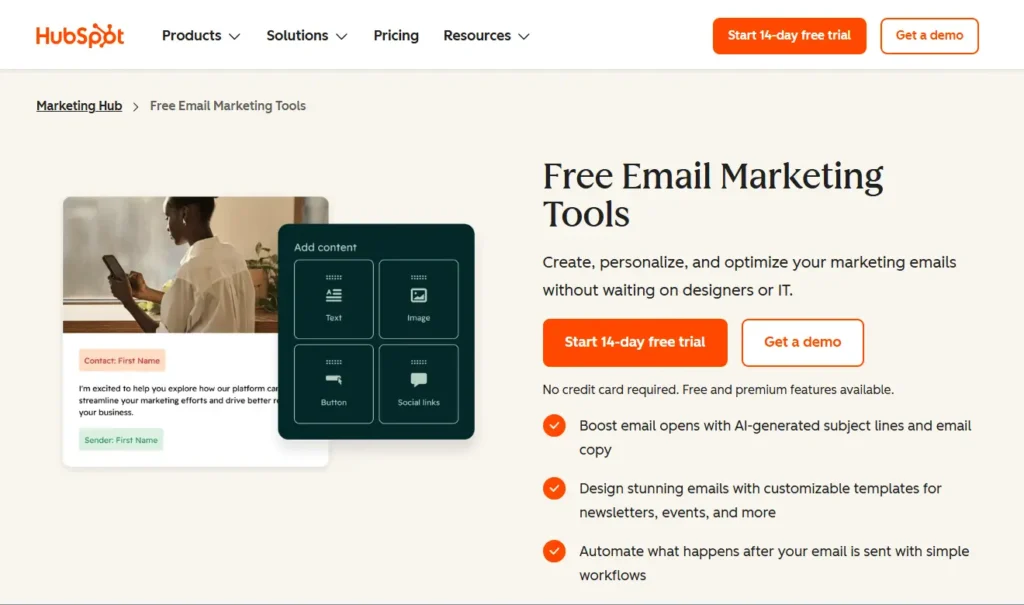
If your event is a lead generation engine for a B2B company, you need a CRM, not just an email tool. HubSpot wins here because it connects the event attendee directly to your sales team’s pipeline.
Who Is It Really For?
Marketing managers and B2B companies where the event is just one touchpoint in a long sales cycle.
The Killer Feature (That Actually Matters)
Native API Stability.
My Experience: I’ve seen nightmares with Zapier patches breaking between registration platforms and email tools. If you use Luma or Eventbrite, HubSpot often offers the most robust, real-time API connections. You don’t have to worry about a “sync error” leaving 50 VIPs off the list.
Pricing at a Glance (as of late 2026)
- Free Tools: $0 (Very limited, branding on emails).
- Starter: ~$15/mo per seat (Removes branding).
- Professional: ~$800/mo (This is the big jump—required for serious automation).
Does HubSpot fit for you? Try HubSpot now.
Pros & Cons
|
Pros |
Cons |
|---|---|
|
Everything is in one place (Email + CRM + Landing Pages). |
The price jump from Starter to Pro is massive ($15 to $800+). |
|
Real-time reporting on which attendees became customers. |
The email builder is rigid compared to design-focused tools. |
|
Best-in-class support. |
“Contacts” count includes non-marketable contacts in some tiers. |
The Smartest Way to Get Started
Start with the Free tools to capture leads, but understand that you cannot run complex “If/Then” automations until you pay the enterprise tax. Use HubSpot if you already use it for Sales; otherwise, it’s expensive.
Final Verdict
Buy (Conditional). Only buy if you need the CRM data. If you just need to send emails, it’s too expensive.
Who Should Avoid It?
The Budget-Conscious Creator. Spending $800/mo just to automate email sequences is bad math unless your ticket prices are very high.
3. Mailchimp – Best for Simple, One-Off Events
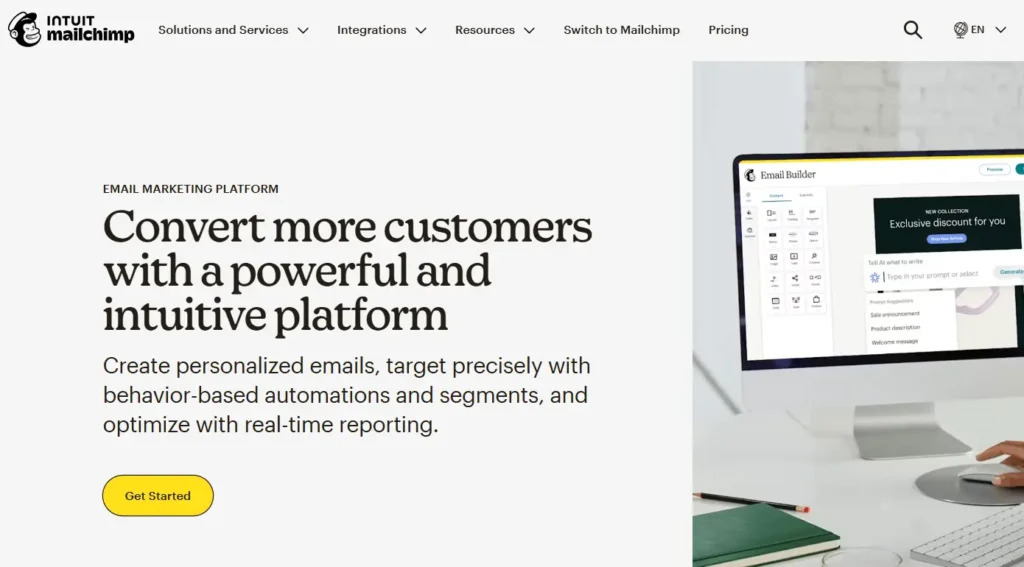
Mailchimp is the Coca-Cola of email marketing. Everyone knows it, and it integrates with everything. However, “integrating” and “working well” are two different things.
Who Is It Really For?
Beginners, local meetup organizers, and non-profits who need a generous free tier.
The Killer Feature (That Actually Matters)
The Template Builder.
Mailchimp’s drag-and-drop builder is still the industry standard for ease of use. You can spin up a beautiful “Speaker Announcement” email in 10 minutes without knowing a line of code.
Pricing at a Glance (as of late 2026)
- Free: 500 contacts (Strict sending limits).
- Essentials: ~$13/mo (Removes branding).
- Standard: ~$20/mo (Advanced journeys—you need this tier).
Does Mailchimp fit for you? Try Mailchimp now.
Pros & Cons
|
Pros |
Cons |
|---|---|
|
Extremely easy to use and design beautiful emails. |
The Integration Lag. Syncs with Eventbrite can sometimes take 2+ hours. |
|
Generous free tier for small lists. |
Pricing scales up aggressively as your list grows. |
|
Generous free tier for small lists. |
Support is virtually non-existent on lower tiers. |
The Smartest Way to Get Started
The “Lag” Warning: You would think Eventbrite and Mailchimp—two giants—would play nice, but their sync is notoriously laggy.
My Experience: I’ve seen cases where a huge surge of last-minute ticket buyers didn’t sync to Mailchimp for 2–4 hours. This meant the “Event Starts in 1 Hour” email went out to everyone except the people who just bought tickets. If you use Mailchimp, export your list manually before sending the “Starting Now” broadcast.
Final Verdict
Pass (for Pros). Buy (for Beginners). It’s fine for a monthly newsletter or a simple RSVP event, but risky for high-stakes, real-time event comms.
Who Should Avoid It?
Virtual Event Hosts. If your event is online and relies on a link being sent instantly upon registration, do not trust the native integration speed here.
4. Kit (Formerly ConvertKit) – Best for Creator-Led Events
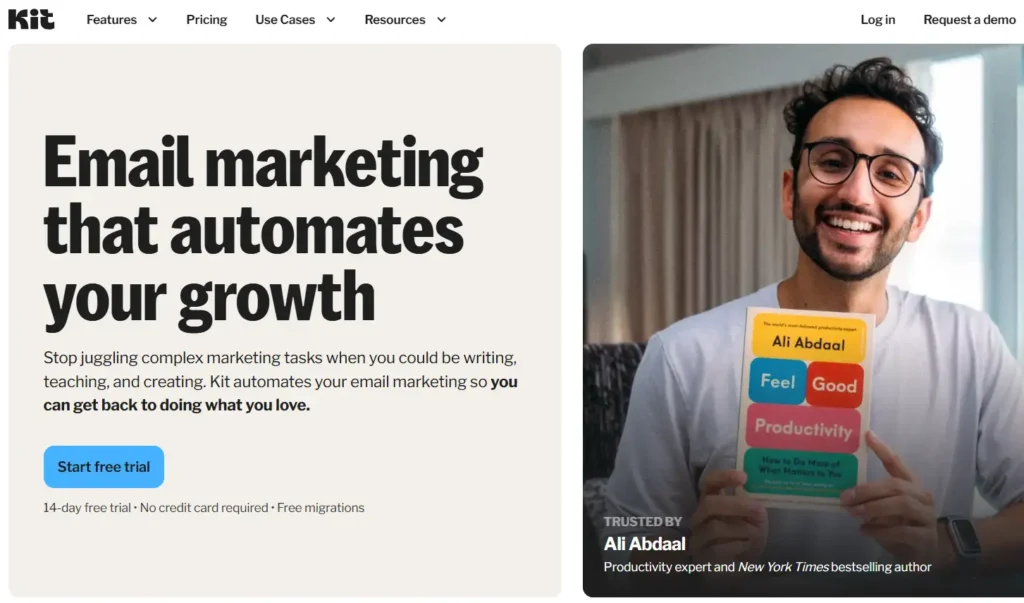
If you are a coach, author, or influencer hosting a workshop, Kit is optimized for you. It prioritizes plain-text emails that feel personal over heavy design.
Who Is It Really For?
Solo creators selling webinars, workshops, or masterclasses.
The Killer Feature (That Actually Matters)
One-Click Registration Tags.
You can set up a “Link Trigger.” If a subscriber clicks a specific link in your email (e.g., “Click here to join the waitlist”), Kit automatically tags them. You don’t need them to fill out a form again. This reduces friction and increases sign-ups.
Pricing at a Glance (as of late 2026)
- Free: Up to 1,000 subs (No automation).
- Creator: ~$29/mo (Unlocks automations).
- Creator Pro: ~$59/mo (Subscriber scoring).
Does Kit fit for you? Try Kit now.
Pros & Cons
|
Pros |
Cons |
|---|---|
|
Best-in-class deliverability (emails hit the Primary tab). |
Terrible for image-heavy, magazine-style newsletters. |
|
Simple, visual automation builder. |
Reporting features are basic compared to HubSpot. |
|
Great integration with tools like Teachable and Circle. |
Expensive per-subscriber cost compared to Mailchimp. |
The Smartest Way to Get Started
Use Kit to sell the ticket, then move them to a community platform like Circle or Luma for the event management. Kit is for the marketing, not necessarily the logistics.
Final Verdict
Buy. If your brand is you, this is the platform that helps you sound like a human, not a corporation.
Who Should Avoid It?
Design Snobs. If you need your emails to look like a glossy magazine spread with three columns and heavy graphics, Kit will frustrate you.
The “One Feature” That Pays for the Software
If you can only set up one automation for your event, do not waste time on a “Speaker Reveal” sequence. Make it the Abandoned Registration Nudge.
Event tickets are often impulse buys that get interrupted—someone pulls out their credit card, but then their phone rings or their boss walks in.
Why it works:
Data shows that sending a simple, plain-text email 1 hour later saying, “Did life get in the way? We saved your seat for X event” recovers approximately 10–15% of lost ticket sales.
This is the highest ROI automation because these people have the highest intent; they just got distracted. Most platforms (like ActiveCampaign and HubSpot) can track when a user visits the checkout page but doesn’t trigger the “Purchase” tag.
Demystifying Costs: What You Actually Get at Each Price Point
Pricing pages are designed to confuse you. Here is the reality of what your budget gets you in the event marketing world.
- The “Free” Tier ($0):
- Expectation: You can send broadcasts.
- Reality: You cannot automate. You will have to manually export emails from Eventbrite and import them into your tool every time you want to send a message. This is prone to human error.
- The “Mid-Tier” ($15 – $50/mo):
- Expectation: Full power.
- Reality: You get “Linear Automation” (Step 1 -> Step 2). You usually unlock the ability to remove the software’s branding. This is sufficient for 80% of events.
- The “Pro/CRM” Tier ($100+):
- Expectation: Enterprise features.
- Reality: You are paying for Logic and Data. You get features like “If/Then” branching and “Wait Until” dates. If you have a marketing budget over $5,000 for the event, you should be in this tier to protect your investment.
Your Action Plan: 5 Steps to a Successful Event Launch
Don’t just sign up and hope for the best. Follow this protocol to ensure your emails land.
- Warm the IP: Do not import 5,000 new contacts and blast them on Day 1. Send to your most engaged users first to signal to Gmail that you are legitimate.
- The “Luma” Strategy: If you are frustrated by integrations, consider using Luma as your event CRM. The native email tools inside Luma are basic, but the deliverability is high because it’s a closed ecosystem.
- Set Up the “Logistics” Email: Schedule an email to go out 24 hours before the event. Subject line: “EVERYTHING you need for tomorrow.” Include the address/link, the agenda, and a contact number.
- Activate the “No-Show” Sequence: Identify people who registered but didn’t attend (using tags). Send them a “Sorry we missed you” email with a link to the recording or a discount for the next event.
- Test the “Zombie” Trigger: Before you go live, test your registration form with a failed payment card. Ensure you do not receive the “Welcome” email.
What to do next
If you are currently relying on the default emails built into Eventbrite or Zoom, stop. You are leaving money on the table and risking deliverability issues.
Start a free trial of ActiveCampaign today. Import a small segment of your list (maybe past attendees), and try building a simple “Wait Until” automation for your next webinar. You will immediately feel the difference in control.
FAQ
1. Can’t I just use the email tool inside Eventbrite/Luma?
You can, but they are limited. They are great for transactional emails (“Here is your ticket”), but terrible for marketing emails (“Here is why you should buy”). They lack segmentation, A/B testing, and detailed analytics.
2. How do I improve open rates for event emails?
Segmentation. When organizers switch from “Batch and Blast” (sending the same newsletter to everyone) to Behavior-Based Segmentation (e.g., sending a “Speaker Reveal” email only to people who clicked the “Agenda” link in the previous email), open rates typically jump from the industry average of ~21% to over 40%.
3. Should I buy an email list to promote my event?
No. Never. This is the fastest way to get your domain blacklisted. If you email 1,000 cold contacts and 50 mark you as spam, Google will send your actual ticket confirmations to the spam folder for your real customers.
4. What is a good open rate for an event invitation?
For a warm list (past attendees), aim for 40-50%. For a general newsletter list, 20-25% is standard. If you are seeing below 15%, you have a deliverability issue or a weak subject line.