If you are a Bullhorn-heavy agency, SourceWhale is your only serious option for deep 2-way sync. If you are a growth-stage agency prioritizing pure deliverability and volume, Smartlead is the new infrastructure king. If you are still paying for Lemlist’s “pretty” HTML emails, you are likely burning your domain reputation.
The “Deliverability” Crisis No One Talks About
Most recruitment agencies are running their outreach on a “broken leg.” You buy expensive data (ZoomInfo, Lusha), you hire expensive recruiters, and then you send emails that land straight in the “Promotions” or “Spam” tab because you are using outdated tools.
The game changed in 2024. Google and Yahoo tightened their grip. The old method—sending 300 emails a day from firstname@agencyname.com—is suicide.
This guide isn’t about which tool has the prettiest dashboard. It’s about Inbox Rotation, API Sync, and keeping your domain off the blacklist.
The Evaluation Criteria
We rated these tools based on three “Agency-Grade” factors:
- The “Bullhorn Test”: Does it actually sync two-way, or do I have to copy-paste replies?
- Inbox Rotation: Can I connect 10 “burner” accounts to send 30 emails each, rather than one account sending 300?
- The “LinkedIn Hop”: Does it force me to switch tabs to send a connection request?
1. Smartlead – Best for Pure Deliverability & Scale
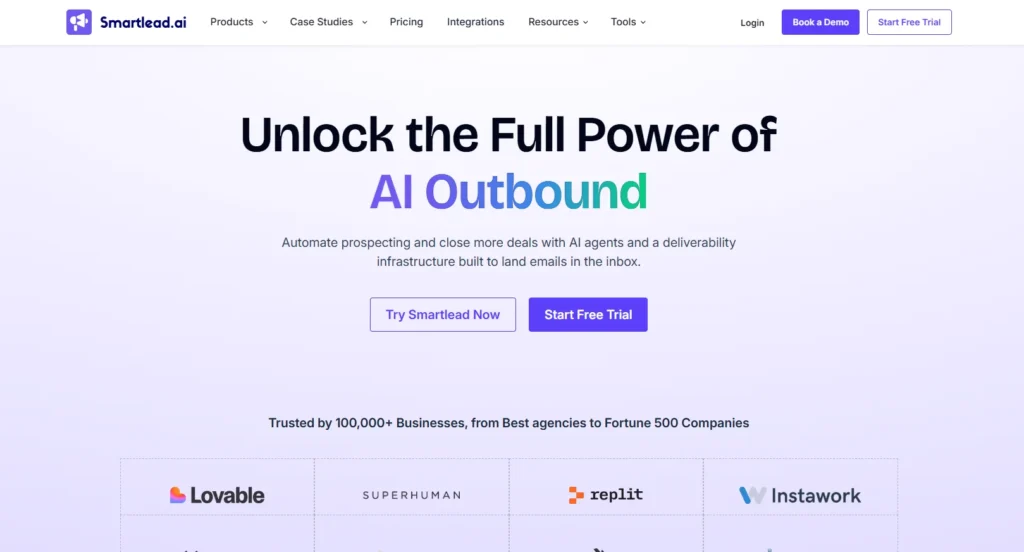
Who Is It Really For?: Growth-stage agencies (5–50 recruiters) who are terrified of spam filters and need to send volume (3,000+ leads/month) without getting blacklisted.
The Killer Feature (That Actually Matters): “Unlimited Inbox Rotation.”
Most legacy tools charge you per email seat. Smartlead charges you per active lead, allowing you to connect unlimited email accounts.
Experience: We moved a client from Woodpecker to Smartlead last month. We set up 10 ‘cousin domains’ (e.g., agency-hiring.com, agency-jobs.net). Instead of one recruiter sending 500 emails, Smartlead automatically rotated the campaign across 25 inboxes. Open rates jumped from 18% to 54% in week one because the volume per domain was so low.
Pricing at a Glance (Late 2026):
- Basic: ~$39/mo (Unlimited email accounts, 2,000 active leads).
- Pro: ~$94/mo (30,000 active leads, API access).
Pros & Cons:
|
Pros |
Cons |
|---|---|
|
Unlimited Warmup: Keeps domains “hot” automatically. |
Weak LinkedIn: It’s an email-first tool. LinkedIn steps are basic compared to dedicated tools. |
|
Master Inbox: See all replies from 50+ inboxes in one view. |
No Native CRM: You must integrate it with a CRM; it cannot replace one. |
The Smartest Way to Get Started:
Don’t use your main domain. Buy 5 “burner domains” (e.g., get[agencyname].com). Connect them all to Smartlead’s “Warmup” feature for 14 days before sending a single candidate email.
Final Verdict: BUY. It is the current industry standard for infrastructure.
2. SourceWhale – Best for Bullhorn Power Users
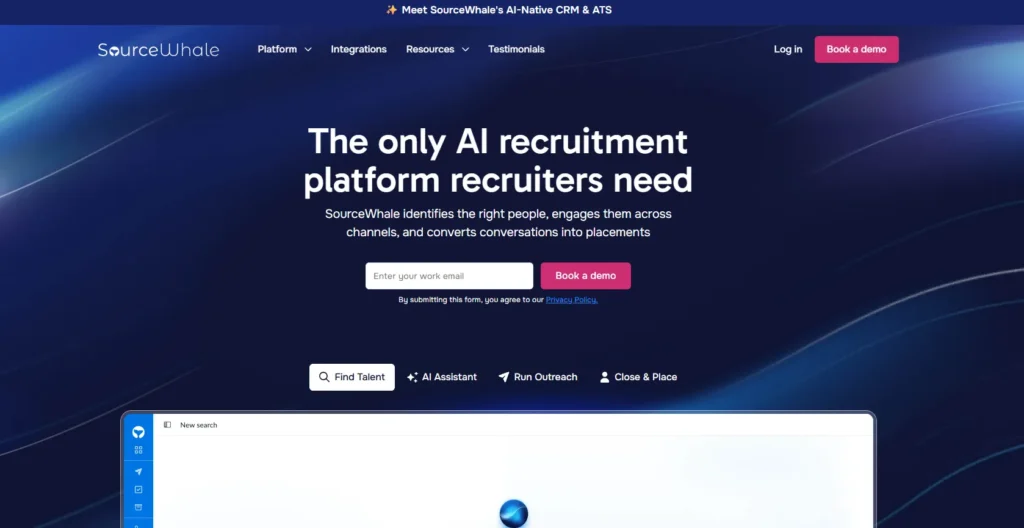
Who Is It Really For?: Established staffing firms who live and die by Bullhorn ATS.
The Killer Feature (That Actually Matters): Deep 2-Way Bullhorn Sync.
Many tools claim to integrate with Bullhorn. Usually, this means “we push data to Bullhorn.” SourceWhale is different. It pulls data from Bullhorn to see if a candidate is already “In Play,” preventing the embarrassment of two recruiters hitting the same candidate.
Experience: Before SourceWhale, our team spent Friday afternoons manually logging InMails into Bullhorn. SourceWhale logs every email, SMS, and LinkedIn InMail automatically. The ‘In-Play’ warning saved us from poaching a candidate that our NY office was already interviewing.
Pricing at a Glance:
- Custom Pricing: Generally starts around $100-$150/user/mo. It is premium software.
Pros & Cons:
|
Pros |
Cons |
|---|---|
|
The Sync: It reads Bullhorn data, it doesn’t just write it. |
Pricey: significantly more expensive than Smartlead/Instantly. |
|
Multichannel: Handles Email, LinkedIn, and SMS in one flow. |
Learning Curve: It’s a dense tool with a lot of buttons; requires training. |
The Smartest Way to Get Started:
Use their “Gamification” features. Set up a leaderboard for “Most Candidates Added to Sequence” to drive adoption among your recruiters who hate new tech.
Final Verdict: BUY (If you use Bullhorn). If you don’t use Bullhorn, it’s overkill.
3. Instantly.ai – The Best “All-in-One” Alternative
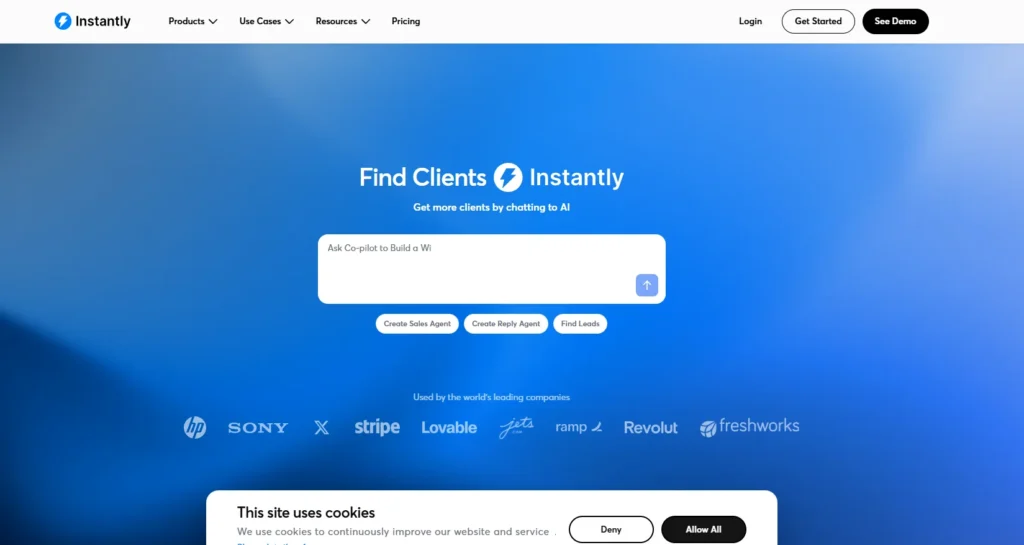
Who Is It Really For?: Boutique agencies who want Smartlead-style deliverability but with better “B2B Lead Data” built-in.
The Killer Feature (That Actually Matters): The “Unibox” & Lead Finder.
Instantly is very similar to Smartlead but offers a built-in database of B2B contacts (similar to Apollo). If you are headhunting for roles where you need to find hiring managers rather than candidates, this is a goldmine.
Pricing at a Glance:
- Growth: ~$37/mo (Unlimited accounts).
- Hypergrowth: ~$97/mo (Massive volume).
Pros & Cons:
|
Pros |
Cons |
|---|---|
|
UI/UX: Slightly friendlier interface than Smartlead. |
Support: Can be slow during peak times due to their massive growth. |
|
Lead Database: Includes millions of verified B2B contacts. |
No Native ATS: Like Smartlead, it needs to push data elsewhere. |
Final Verdict: BUY. It’s a toss-up between this and Smartlead. If you need built-in data sourcing, pick Instantly.
4. Lemlist – The “Former Champ” to Avoid
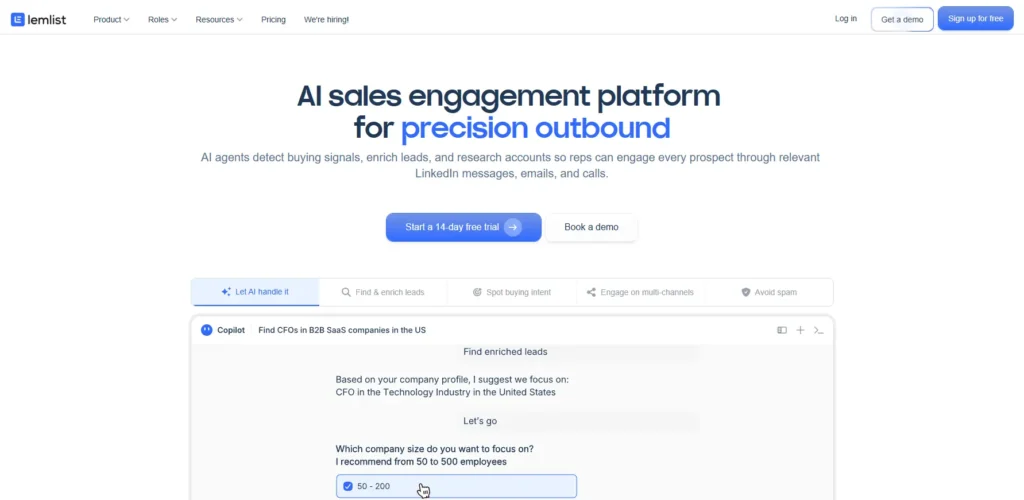
Who Should AVOID This?: Agencies relying on cold outreach for candidate sourcing.
The “Horror Story”:
Experience: We had a client spending $500/mo on Lemlist. Their open rates tanked to 8%. Support blamed the copy. We moved the exact same copy to Smartlead on fresh IPs, and open rates hit 45% instantly. Lemlist’s heavy HTML tracking and shared IPs are currently a deliverability liability.
Why It’s a Pass:
Lemlist encourages “highly personalized images” and heavy HTML templates. In
, spam filters hate this. They want plain text. Lemlist charges premium prices for features that actively hurt your placement in the inbox.
Final Verdict: PASS.
Demystifying Costs: What You Actually Get
Recruitment tools have confusing pricing. Here is the reality:
- The “$40/mo” Tier (Smartlead/Instantly): You get the engine. You bring your own data (candidates) and your own email domains (GoDaddy/Google Workspace).
- The “$100/mo” Tier (Mixmax/Woodpecker): You are paying for “seat” convenience. It lives inside your Gmail. Good for low volume, bad for scale.
- The “$150+/mo” Tier (SourceWhale/Gem): You are paying for Data Sync. You aren’t buying an email tool; you are buying a bridge to your ATS so your recruiters don’t revolt.
Your Action Plan: 5 Steps to “Inbox Immunity”
- Audit Your Domains: Go to GlockApps or Mail-Tester and test your current agency domain. If your score is below 8/10, stop sending immediately.
- Buy “Cousin” Domains: Purchase 3-5 domains that look like your main one (e.g., join-agencyname.com).
- The “Warmup” Phase: Connect these new domains to Smartlead or Instantly and let them “warm up” (auto-send fake emails) for 14 days. Do not skip this.
- The “Plain Text” Rule: Strip all images, logos, and fancy signatures from your first touch email. “Hi [Name], quick question…” performs better than a marketing brochure.
- Sync or Swim: If you use Bullhorn, book a demo with SourceWhale. If you don’t, set up a Zapier hook to push interested replies from Smartlead to your Slack channel.
What to do next
If you are currently seeing open rates below 30%, your domain is likely burned. Pause your campaigns today and set up a secondary domain on a “Warmup” tool immediately.
FAQ
1. Can I just use Mailchimp for candidate outreach?
Absolutely not. Mailchimp is for marketing (newsletters). It uses shared servers that will get you banned if you send cold outreach. You need “Cold Email” infrastructure (Smartlead/Woodpecker) that sends one-by-one, not in blasts.
2. What is the safe sending limit per day?
For a new inbox (< 3 months old), keep it under 30 emails per day. For a matured inbox (> 6 months), you can push to 50. Never exceed 50 per inbox if you want to stay safe long-term.
3. Does Smartlead integrate with LinkedIn?
It has basic integrations, but it is primarily an email tool. For a robust “View Profile -> Connect -> Email” sequence, you are better off using a dedicated tool like Dripify or choosing an all-in-one platform like SourceWhale.
4. Why is my Bullhorn integration not working with Woodpecker?
Most legacy tools use a “BCC” integration (where a copy of the email is sent to a hidden Bullhorn address). This is unreliable. You need a tool with “API-level” integration to truly sync notes and status updates.
Review Methodology: How We Rate Recruitment Tools
We don’t just read the landing page. We test these tools in live “Agency Environments.”
- Deliverability Stress Test: We send 500 emails to a seed list to see where they land (Inbox vs. Spam).
- The “Recruiter Workflow” Check: We time how long it takes to go from “Finding a Candidate on LinkedIn” to “Candidate in Sequence.” If it takes more than 4 clicks, the tool loses points.
- Support Audit: We send a technical ticket about DKIM/SPF records. If the reply is a generic bot article, the tool gets a “Pass.” We only recommend tools that treat agencies like partners, not tickets.