I used to believe that “branding” meant a beautiful header image, a three-column layout, and perfectly rounded buttons. I thought if my email didn’t look like a mini-website, I looked like an amateur.
I was wrong.
After sending millions of emails and running split tests across platforms like Kit (formerly ConvertKit) and ActiveCampaign, the data is irritatingly consistent: Ugly emails make more money.
Here is the breakdown of why “Plain Text” (specifically the Hybrid approach) is winning the war for the Primary Inbox, and why your beautiful templates might be costing you sales.
The “HTML Nightmare”: Why Design Fails
Before we look at the conversion data, we have to talk about the technical fragility of HTML emails.
I learned this the hard way. I once spent three hours perfecting a newsletter in a drag-and-drop builder. I customized the padding, rounded the corners on the images to exactly 10px, and used a specific Google Font that matched my brand identity. It looked stunning in the preview.
Then I sent a test to my seed list.
I opened it in Outlook on a Windows desktop. It was a massacre.
- The background images had vanished, leaving white text on a white background (literally invisible).
- My beautiful “rounded” buttons had reverted to square, unclickable boxes.
- The entire layout had blown out to 1200 pixels wide, forcing me to horizontal scroll just to read the first sentence.
I realized immediately: Complexity is the enemy of deliverability. The more code you inject to make it look “pretty,” the more likely it is to break across the thousands of different device and client combinations.
A/B Test Case Study: The Mid-Launch Sales Email
You can argue about aesthetics all day, but you cannot argue with revenue.
I recently ran a controlled test during a launch for a digital course. We sent a mid-campaign sales email to a segment of 5,000 highly engaged subscribers.
- Variant A (“The Designer”): Heavy HTML, hero image, two-column layout, graphical “Buy Now” buttons.
- Variant B (“The Letter”): Plain text style, left-aligned, simple text-based hyperlinks.
The Results
|
Metric |
Variant A (HTML) |
Variant B (Plain Text) |
Winner |
|---|---|---|---|
|
Open Rate |
28% |
40% (+12%) |
Plain Text |
|
Click Volume |
High |
Moderate |
HTML |
|
Reply Rate |
Low |
High (+35%) |
Plain Text |
|
Sales Conversion |
2.1% |
3.1% (+10%) |
Plain Text |
The Takeaway: The Plain Text variant had a 12% higher open rate, likely because it avoided the Gmail Promotions tab.
Even more surprisingly, while the HTML email had more clicks (often window shoppers clicking images), the Plain Text email drove a 10% higher conversion rate on the landing page.
It turns out, when the email felt like a personal letter from me, readers arrived at the sales page in a more trusting frame of mind than those who clicked a glossy “Buy Now” button.
The 3 Types of Emails (Don’t Get Confused)
To make the right choice, we need to clarify what we are actually comparing.
1. Heavy HTML (The “Newsletter” Look)
These are the emails you get from Old Navy or West Elm. They are image-heavy, use multiple columns, and rely on <div> tags and CSS.
- Best for: E-commerce brands selling visual physical products.
2. True Plain Text (The “Raw” Look)
This is 100% ASCII text. No bolding, no hyperlinks (just raw URLs pasted in), and no open tracking.
- Best for: paranoid security experts and actual emails to your mom. Terrible for marketing because you cannot measure anything.
3. The “Hybrid” (The Winner)
This is the sweet spot for 2026. It looks like a plain text email—left-aligned, system fonts, no layout blocks—but it is technically HTML.
- Best for: B2B, SaaS, Consultants, Coaches, and Creators.
Why I Advocate for the “Hybrid” Approach
I refuse to choose between data and connection. The Hybrid approach gives you the data of a marketer, but the intimacy of a friend.
In the Hybrid model (which I use exclusively now), the email is technically HTML. This allows me to:
- Embed a tracking pixel: I need to know my Open Rates to clean my list.
- Wrap links: I need to track clicks to tag user interests.
- Use subtle styling: I can use bold text, bullet points, and maybe one visual element (like a small logo header) to guide the eye.
But visually, it mimics a personal letter. It uses standard fonts (Helvetica, Arial, or system-ui) at size 16px+.
Who Is This For?
- High-Ticket Sales: If you are asking someone to spend $1,000+, they need to trust you, not your graphic designer.
- Storytellers: If your value is in your copy, don’t distract them with banners.
Who Should AVOID This?
- Fashion & Retail: If you are selling a floral dress, describing it in text won’t work. You need high-res images. Keep using Heavy HTML.
Comparison: Heavy HTML vs. Hybrid Text
|
Feature |
Heavy HTML |
Hybrid Text |
|---|---|---|
|
Inbox Placement |
Risk of “Promotions” Tab |
High probability of “Primary” |
|
Mobile Rendering |
Often breaks or requires pinching |
Perfect (Flows naturally) |
|
Spam Filters |
Triggered by low Text-to-Image ratio |
Pass (High Text ratio) |
|
Trust Factor |
Feels like a “Commercial” |
Feels like a “Conversation” |
|
Production Time |
Hours (Design & Testing) |
Minutes (Writing only) |
The Tool Stack: Why I Use Kit (ConvertKit)
If you want to execute the Hybrid strategy, your choice of Email Service Provider (ESP) matters.
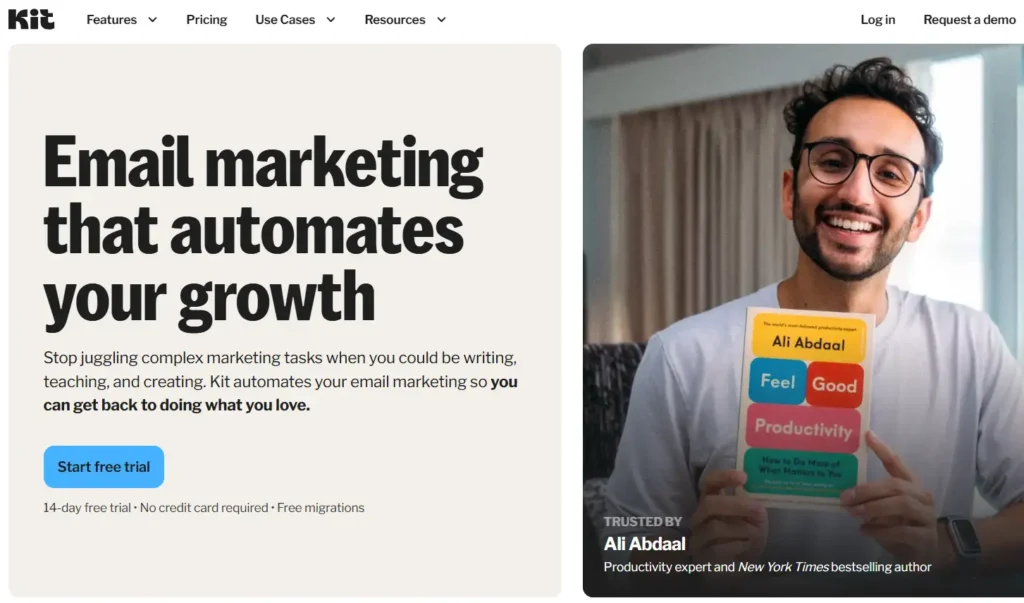
I recommend Kit (formerly ConvertKit) for this specific approach.
While platforms like Mailchimp or ActiveCampaign push you toward their drag-and-drop builders, Kit defaults to a “Rich Text” editor. They built their entire brand philosophy around the idea that simple emails land in the Inbox.
My Experience: If you try to force complex HTML designs in Kit, you often have to use their “HTML Block” or code custom templates, which is intentionally clunky. The tool itself pushes you toward simplicity because simplicity works.
If you are on ActiveCampaign, you can still do this. Ignore the “Designer” templates and select “Text Only” (which is actually a rich text hybrid) when building your campaigns. You will sacrifice the fancy widgets, but you will gain readership.
Your Action Plan: 5 Steps to the Hybrid Switch
Ready to stop fighting Outlook rendering issues and start getting replies?
- Strip the Header: Remove the giant 600px wide banner at the top of your email. It screams “Advertisement.”
- Bump the Font: Set your body text to 16px or 18px. Most default styles are 14px, which is too small for modern mobile screens.
- Left-Align Everything: Center-aligned text is harder to read.
- The “Squint Test”: Look at your email. If you squint, does it look like a flyer (blocks of color/image) or a letter (blocks of text)? Aim for the letter.
- A/B Test It: Don’t take my word for it. Send your next broadcast with a 50/50 split. Variant A is your usual template; Variant B is the Hybrid text.
What to do next
Go to your current ESP, duplicate your best-performing email, strip all images and layout blocks, and send a test to yourself on your phone. If it reads easier than your designed version, it’s time to switch.
FAQ
1. Will plain text emails hurt my brand image?
No. In 2026, “branding” is your voice and the value you provide, not your logo placement. Some of the biggest newsletters in the world (like The Hustle or Morning Brew) use very minimal design because readability is the ultimate branding.
2. Can I still use images in Hybrid emails?
Yes, but use them sparingly. An image should support the text (like a screenshot or a graph), not replace the text. Avoid using images for buttons.
3. Why do HTML emails land in the Promotions tab?
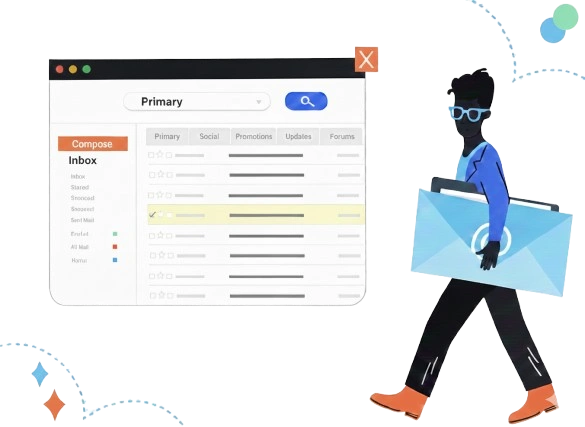
Google’s algorithms look for code density and image-heavy structures that resemble typical marketing blasts. Text-heavy emails with minimal code look like personal correspondence, which signals Gmail to put them in the Primary tab.
4. How do I track clicks without buttons?
Hyperlink your text. “Click here to buy” is fine, but linking a full sentence like “Get the full course curriculum here” is better. It feels natural and less aggressive than a neon button.
5. Does this work for E-commerce?
It depends. For transactional emails (shipping confirmation), yes. For product drops (new sneaker launch), no—stick to HTML. However, for “founder stories” or educational content from an e-commerce brand, Hybrid text works beautifully.