If you are a hobbyist writer or purely chasing viral growth through a recommendation algorithm, stay on Substack. If you are building a business, selling products, or have surpassed $50k in annual revenue, move to Kit immediately. The 10% fee and lack of automation on Substack are costing you more than a monthly Kit subscription ever will.
I remember doing the math. It’s a specific kind of stomach ache you get when you realize your “free” platform is actually the most expensive line item on your P&L.
Substack is brilliant for starting. It removes the friction of writing. But there is a ceiling, and you usually hit it when you try to do two things: keep more of your money, or send a specific email to a specific person based on their behavior.
Moving from Substack to Kit (formerly ConvertKit) isn’t just swapping tools; it’s graduating from a writer to a business owner.
In this guide, I’m walking you through the migration process, the scary “Stripe decoupling,” and the reality of what happens to your open rates after the switch.
The “Why”: The Math Stops Making Sense
Most creators leave Substack for the same reason I did: The “Success Tax.”
When you have 100 subscribers, paying Substack 10% of your revenue feels like a fair trade for free hosting and a nice editor. But the moment you scale, that math breaks.
Here is the reality check:
If you generate $50,000/year from paid subscriptions:
- Substack takes: $5,000 (plus Stripe fees).
- Kit costs: Roughly $500–$800/year (depending on plan and list size).
You are effectively paying a $4,000 premium just to use a simpler text editor.
Beyond the money, there is the “Funnel Wall.” On Substack, everyone gets the same email. You cannot tag a user who clicked a link about “Consulting” and send them a pitch sequence. You cannot exclude paid members from a sales blast. You are blasting a megaphone when you need a sniper rifle.
Step 1: The Export (Getting Your Data Out)
This part is deceptively simple. Substack doesn’t want you to leave, but they don’t hold your data hostage either.
- Log into your Substack Dashboard.
- Go to Settings > Export.
- Download your CSV file.
Warning: You will likely get multiple files (subscribers, stats, etc.). You only care about the subscriber list for now. This list contains emails, join dates, and—crucially—subscription status (free vs. paid).
Step 2: The Import (Tagging is Everything)
Do not just dump your CSV into Kit. Substack treats everyone as a “Subscriber.” Kit treats everyone as a specific profile in a database.
When you import your CSV into Kit, you must map the data correctly.
- Create Tags First: Before importing, create tags in Kit like “Import – Substack Free” and “Import – Substack Paid.”
- Map the Fields: When you upload the CSV, Kit will ask you to match columns. Ensure the email column matches, but more importantly, map the “Status” column to your new tags.
Why this matters: You do not want to accidentally send a “Join my Paid Newsletter” pitch to someone who is already paying you. That is how you get unsubscribes.
Step 3: The “Paid” Pain (Migrating Stripe)
This is the part that keeps creators awake at night. “If I move, will my paid subscribers have to re-enter their credit cards?”
The Answer: No, but you have to act fast.
Substack uses “Stripe Connect.” Technically, Substack controls the connection to the customer. To move that recurring revenue to Kit, you need to “decouple” your Stripe account.
- The Request: You must contact Substack support and explicitly ask to disconnect your Stripe account so you can take it with you.
- The Waiting Game: This is not automated. A human at Substack has to approve this.
- The Concierge Route: If you have over 5,000 subscribers or significant revenue, do not do this alone. Kit (and others like Beehiiv) offer concierge migration services. They talk to Substack for you. Use them.
Step 4: The Tech Hiccup (DNS & Domain Reputation)
If Step 3 is the financial hurdle, this is the technical one.
On Substack, you ride on their email reputation. On Kit, you need to verify that you own your domain. This prevents your emails from landing in Spam folders.
You will need to access your domain host (GoDaddy, Namecheap, Cloudflare) and input CNAME and TXT records provided by Kit. This authenticates your DKIM and SPF records.
The Reality of DNS:
- It looks intimidating.
- It takes 24-48 hours to propagate.
- If you miss a single character, it won’t verify.
The Aftermath: What Happens to Your Stats?
You moved the list. You moved the money. You hit send on your first newsletter from Kit. What happens?
Expect the “Warm-Up” Dip.
It is standard to see a 10–20% drop in open rates for the first 2 to 4 weeks.
Do not panic. This happens because Gmail and Outlook see a new “Sender Signature” (Kit) sending emails on your behalf. They are treating you with caution.
To fix this faster:
- Ask for a reply: In your first Kit email, ask a question and tell people to hit reply. This signals to Gmail that you are a human, not a bot.
- Clean the list: Kit has better hygiene tools. Delete the “Cold Subscribers” who haven’t opened in 6 months.
The Good News: While opens might dip temporarily, clicks often spike. Creators usually use the migration to launch a new format or offer, driving higher engagement from the core fans.
Substack vs. Kit: The Breakdown
If you are still on the fence, here is the brutally honest comparison.
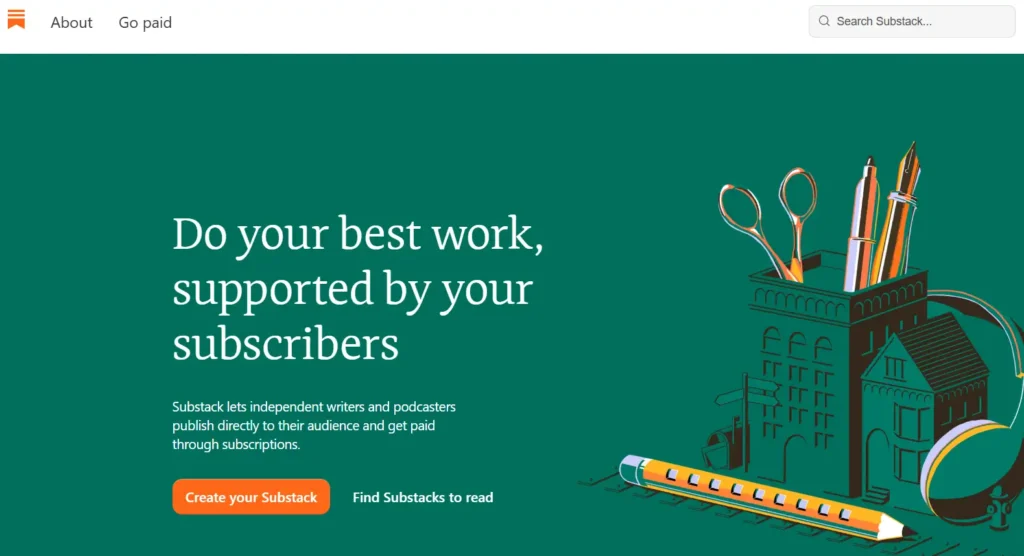
Substack – Best for Pure Writers
Who Is It Really For?
Solo writers, journalists, and hobbyists who want zero technical friction and rely on the Substack network for growth.
The Killer Feature:
The Network Effect. The recommendation feature on Substack is powerful. You can get free subscribers just by existing in their ecosystem.
Pricing at a Glance:
Free to start, but 10% of all revenue forever.
The Smartest Way to Get Started:
Just start writing. Don’t overthink the design because you can’t change it anyway.
Pros and Cons: Substack
|
Pros |
Cons |
|---|---|
|
Zero setup cost |
10% revenue cut is expensive at scale |
|
Network/Recommendation growth |
No SEO control (Substack owns the traffic) |
|
incredible simplicity |
Zero automation or tagging features |
Final Verdict: Pass if you are selling courses, coaching, or services. Buy if you just want to write essays and get paid.
Who Should Avoid It? E-commerce brands, SaaS companies, and coaches who need sales funnels.
Kit (ConvertKit) – Best for Business Builders
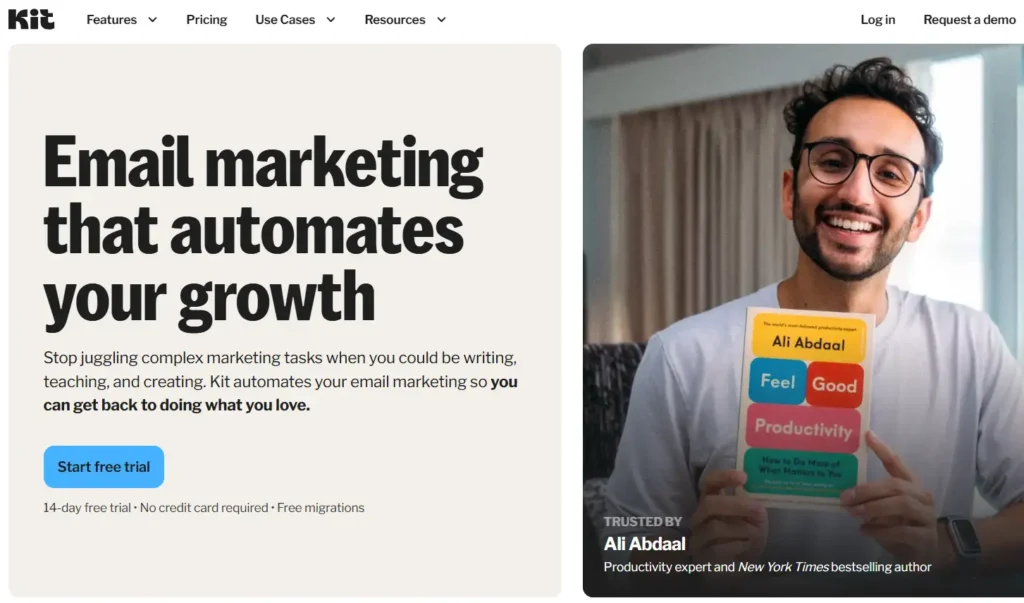
Who Is It Really For? Creators who sell products, coaches, and anyone treating their newsletter as a business asset, not just a blog.
The Killer Feature:
Visual Automations. The ability to visualize a subscriber’s journey (e.g., If they click X, wait 2 days, then send email Y) is how you make money while you sleep.
Pricing at a Glance:
- Free for up to 10,000 subs (newsletter only).
- Paid plans start around $29/mo and scale with list size.
The Smartest Way to Get Started:
Use the “Creator Network” immediately. Kit now has a recommendation engine similar to Substack to help you grow.
Pros and Cons: Kit
|
Pros |
Cons |
|---|---|
|
Powerful automation & tagging |
Can get expensive for very large lists |
|
You own the SEO and domain |
Steeper learning curve than Substack |
|
Deep integration with other tools |
The email editor is less “pretty” by default |
Final Verdict: Buy. It is the industry standard for creator monetization for a reason.
Who Should Avoid It? The complete tech-phobe who literally just wants a blank page to type on.
What You Actually Pay
Let’s look at the “Feature vs. Cost” breakdown for a creator with 5,000 Subscribers earning $60,000/year.
- Substack:
- Cost: $0 monthly fee.
- Fees: $6,000/year (10% cut).
- Total Cost: $6,000/year.
- What you get: Hosting, simple editor, recommendations.
- Kit (Creator Plan):
- Cost: ~$66/month (billed annually).
- Fees: $0 platform fee.
- Total Cost: ~$790/year.
- What you get: Automations, tagging, sequences, API integrations, recommendations.
The Savings: By moving to Kit, this creator saves $5,210/year. That is enough to hire a virtual assistant or buy a high-end laptop every single year.
5 Steps to Launch on Kit
- The Audit: Before exporting, send an email on Substack telling people to “reply” to a specific question. This boosts engagement before the switch.
- The Clean Up: Export your Substack CSV and use a tool like “NeverBounce” to verify the emails. Don’t pay Kit to host dead emails.
- The DNS Setup: Do this on a Friday. Set up your custom domain and DKIM records on Kit so they have the weekend to propagate.
- The Soft Launch: Import your list to Kit. Send your first email only to your most active subscribers (create a segment for this). This warms up the IP.
- The Announcement: Send your full list an email titled “We’ve Moved (And Why It Matters For You).” Explain that the switch allows you to serve them better, not just that you wanted to save money.
Next Steps
If you are ready to stop paying the “Success Tax,” go create a free Kit account and poke around the automation builder. seeing the “visual” flows usually convinces people faster than any article can.
FAQ
1. Will I lose my SEO rankings if I switch?
You might see a temporary dip. However, because you can host Kit archives on your own custom domain (e.g., https://www.google.com/search?q=newsletter.yourname.com), you are building long-term SEO equity for yourself, not Substack.
2. Does Kit have a recommendation network like Substack?
Yes. Kit introduced the “Creator Network” which allows you to recommend other newsletters and get recommended. It is growing fast and rivals Substack’s ecosystem.
3. Can I keep my paid posts behind a paywall on Kit?
Yes. Kit allows you to sell subscriptions (via Kit Commerce or Stripe) and segment emails so that only paid members receive specific broadcasts.